
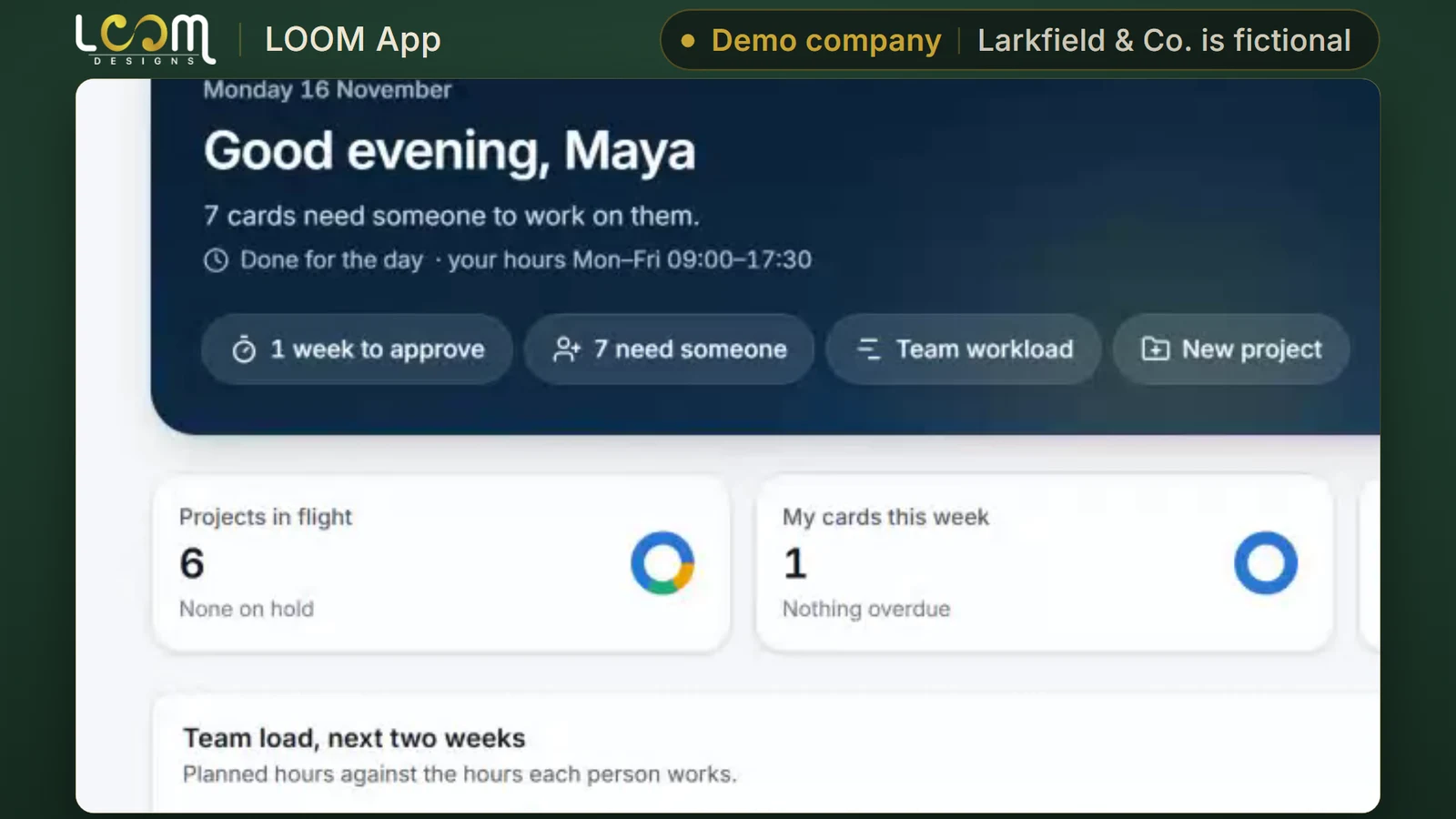
Your day at a glance
Today shows the projects in flight, your team's load for the next two weeks and what is coming up.
Platform / Run
Every project, file, approval, message and hour, in one place your clients can see too.
The problem it solves
Designs go out as email attachments, feedback comes back in long threads, and hours are tracked somewhere else. Your client cannot see where the work stands without asking.
LOOM App keeps the board, the versions, the conversations and the hours with the project, and gives your client a portal of their own.
Filmed on Larkfield & Co., a made-up company we use for demos. The people and figures in it are not real. LOOM’s own prices are blurred.
What it does
Today shows the projects in flight, your team's load for the next two weeks and what is coming up.
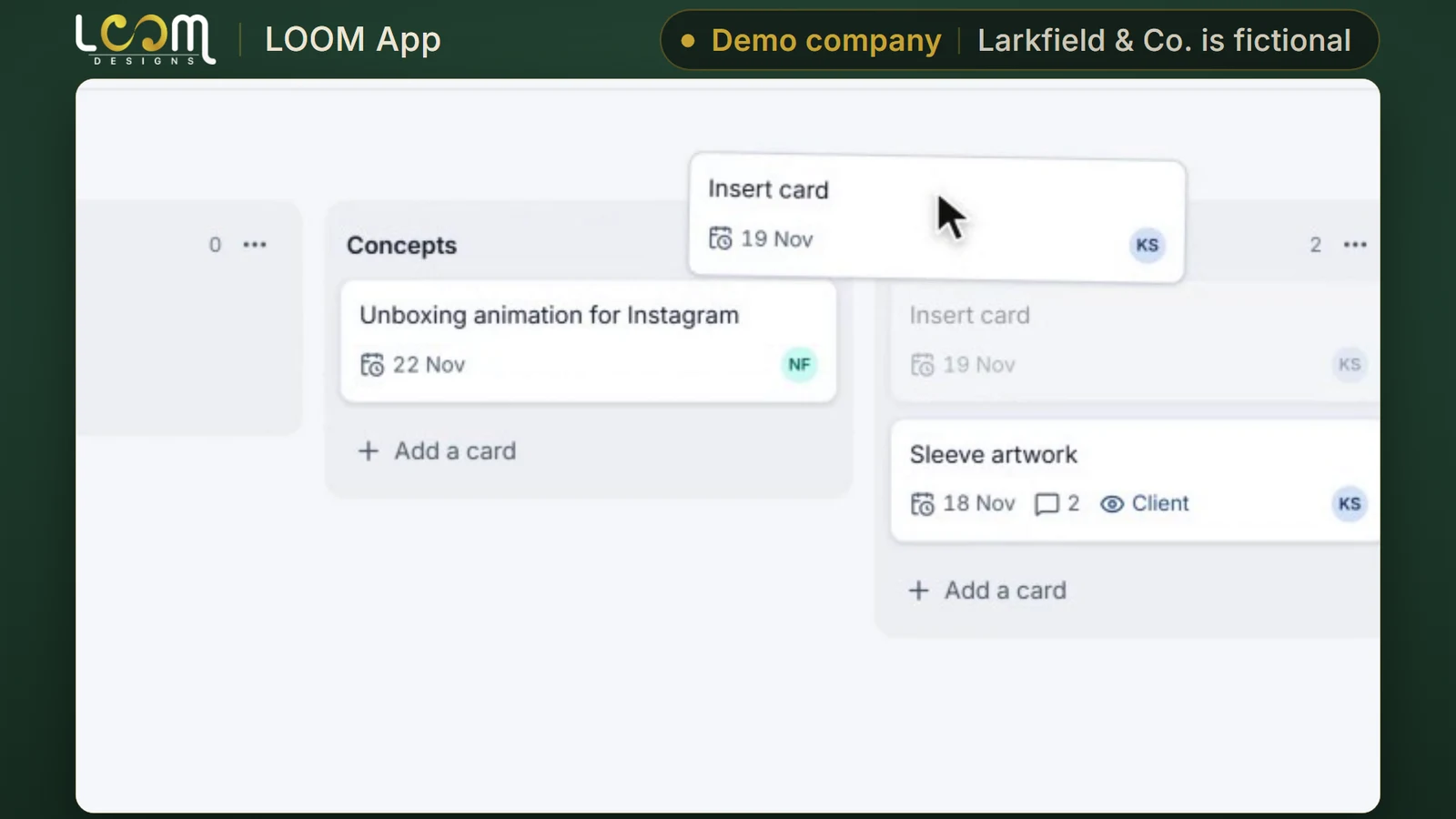
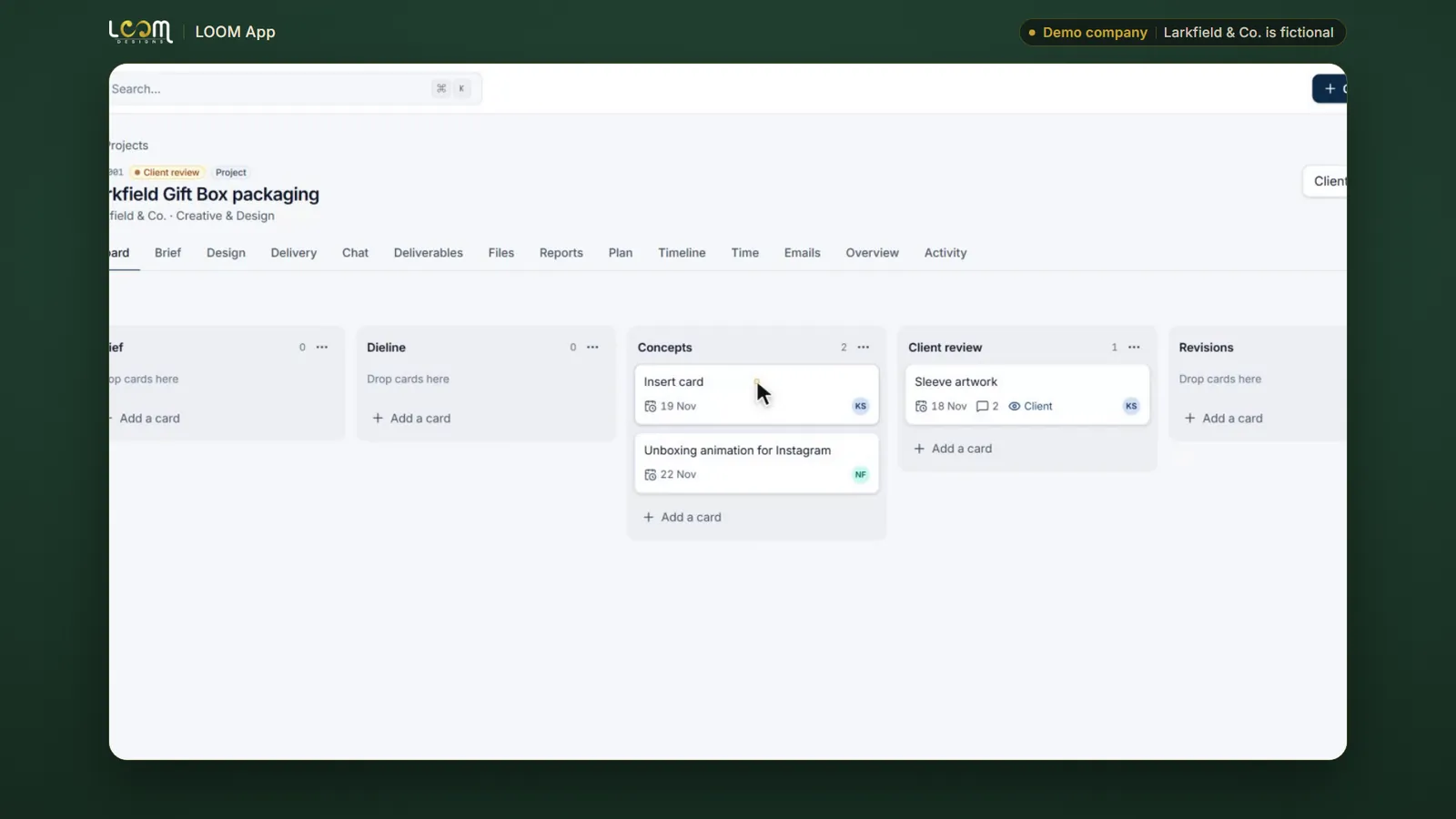
Your team moves cards across the project board. You choose exactly which cards the client sees.
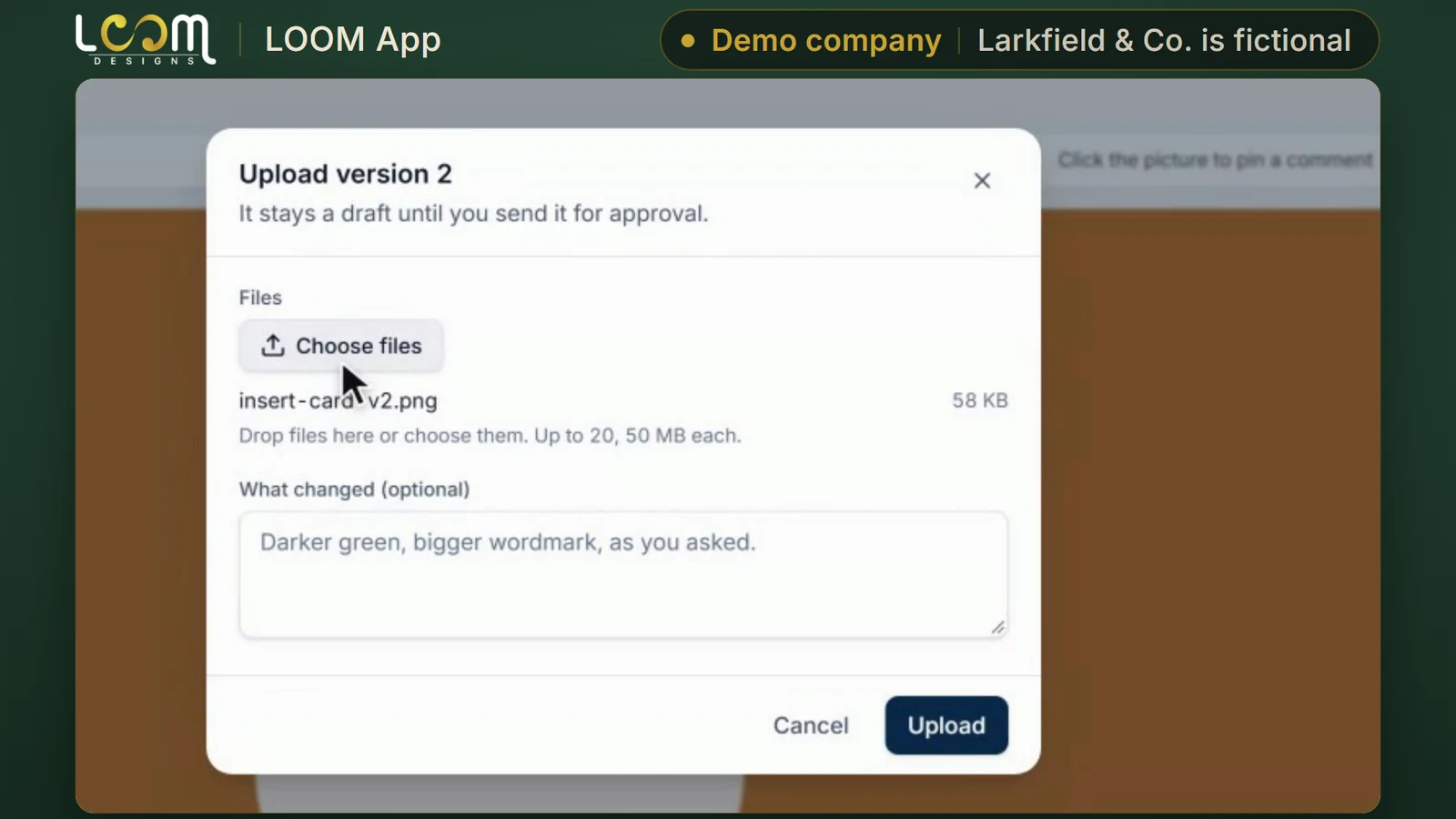
Upload a new version of a design and send it for approval. Every design goes to the client as a version, never as an email attachment.
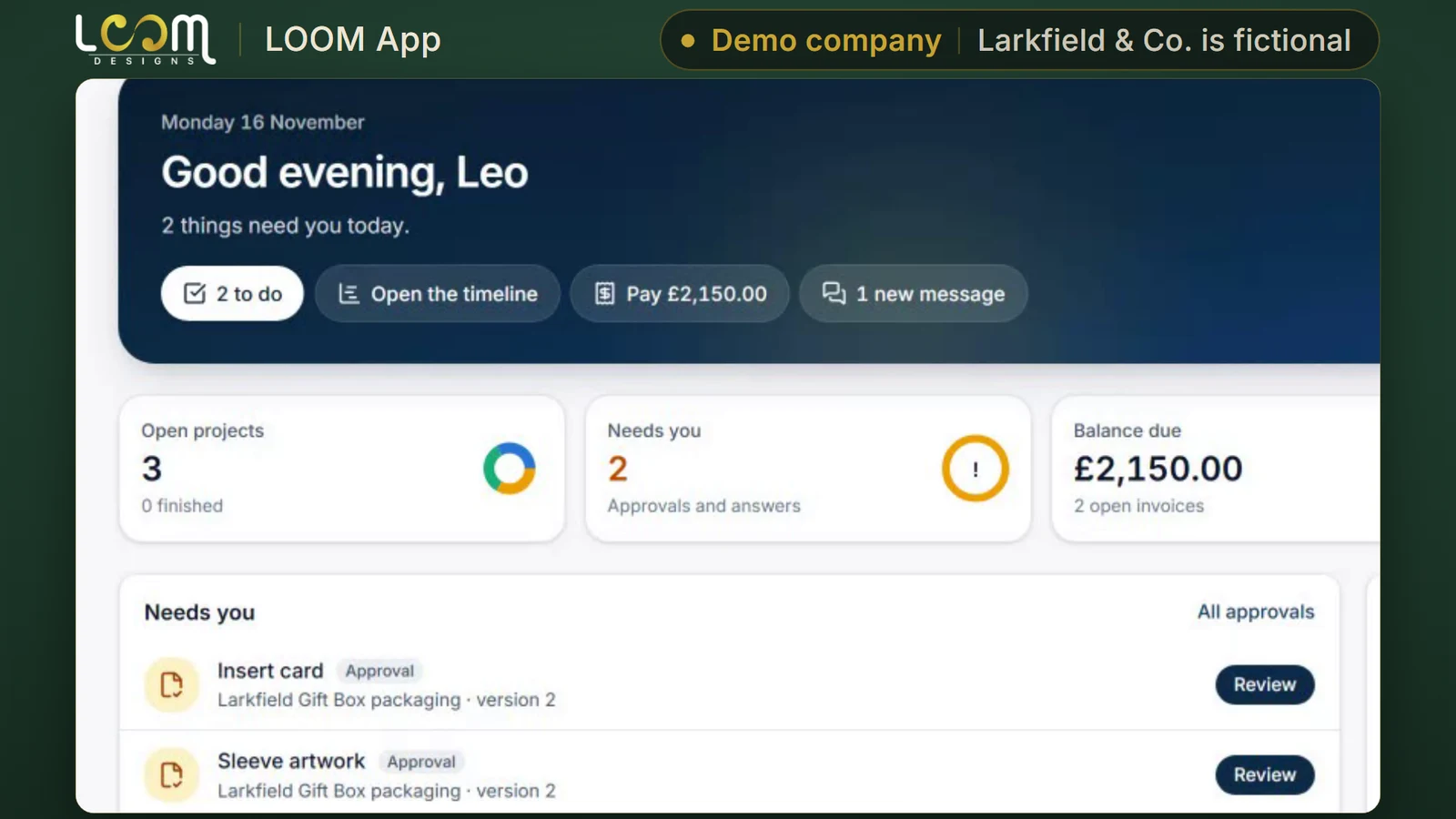
View the portal as one of your client's people: what needs them, and where the work stands.
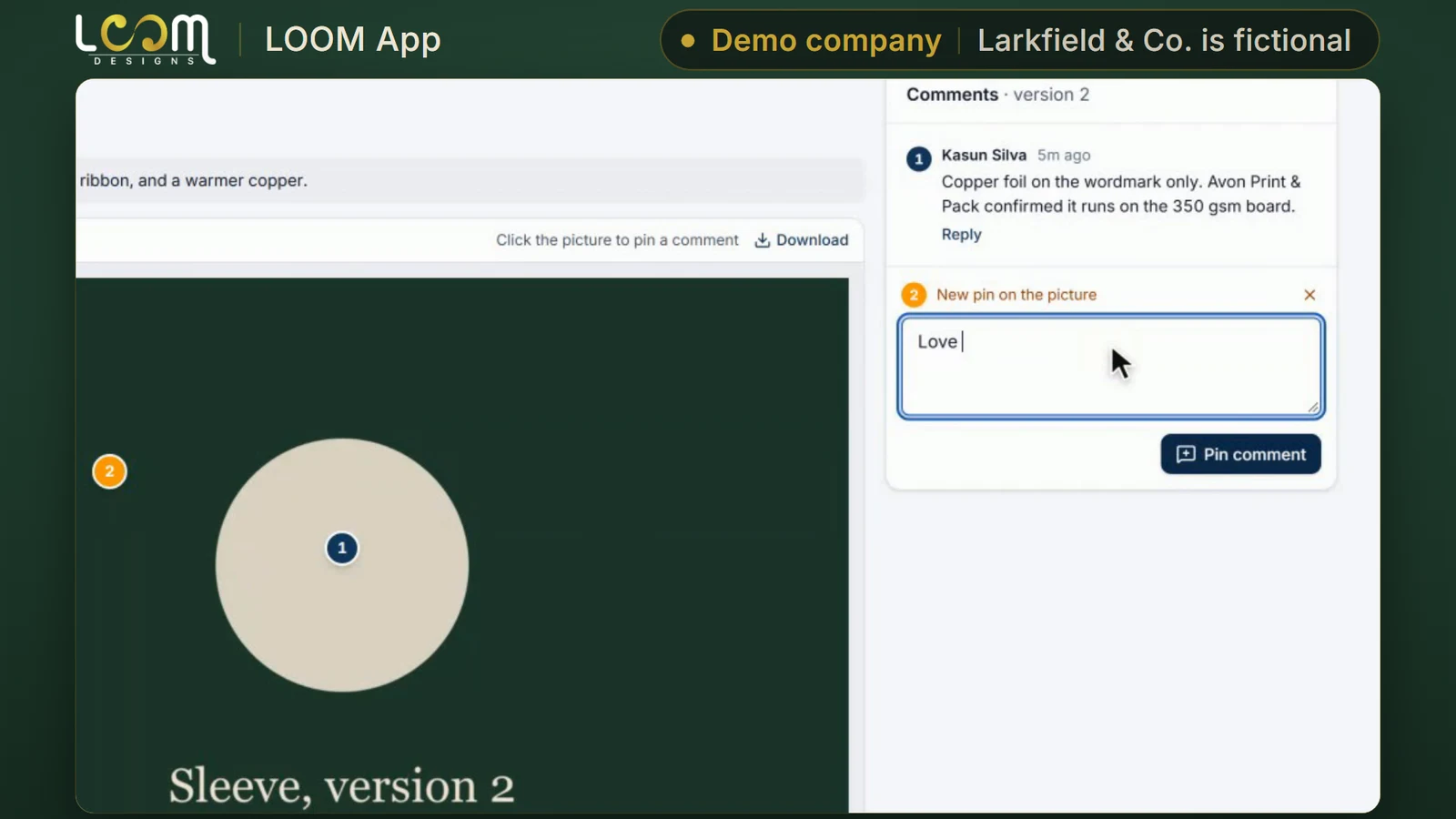
Your client drops a pin on the design, writes a comment and approves the version. The status changes as soon as they do.
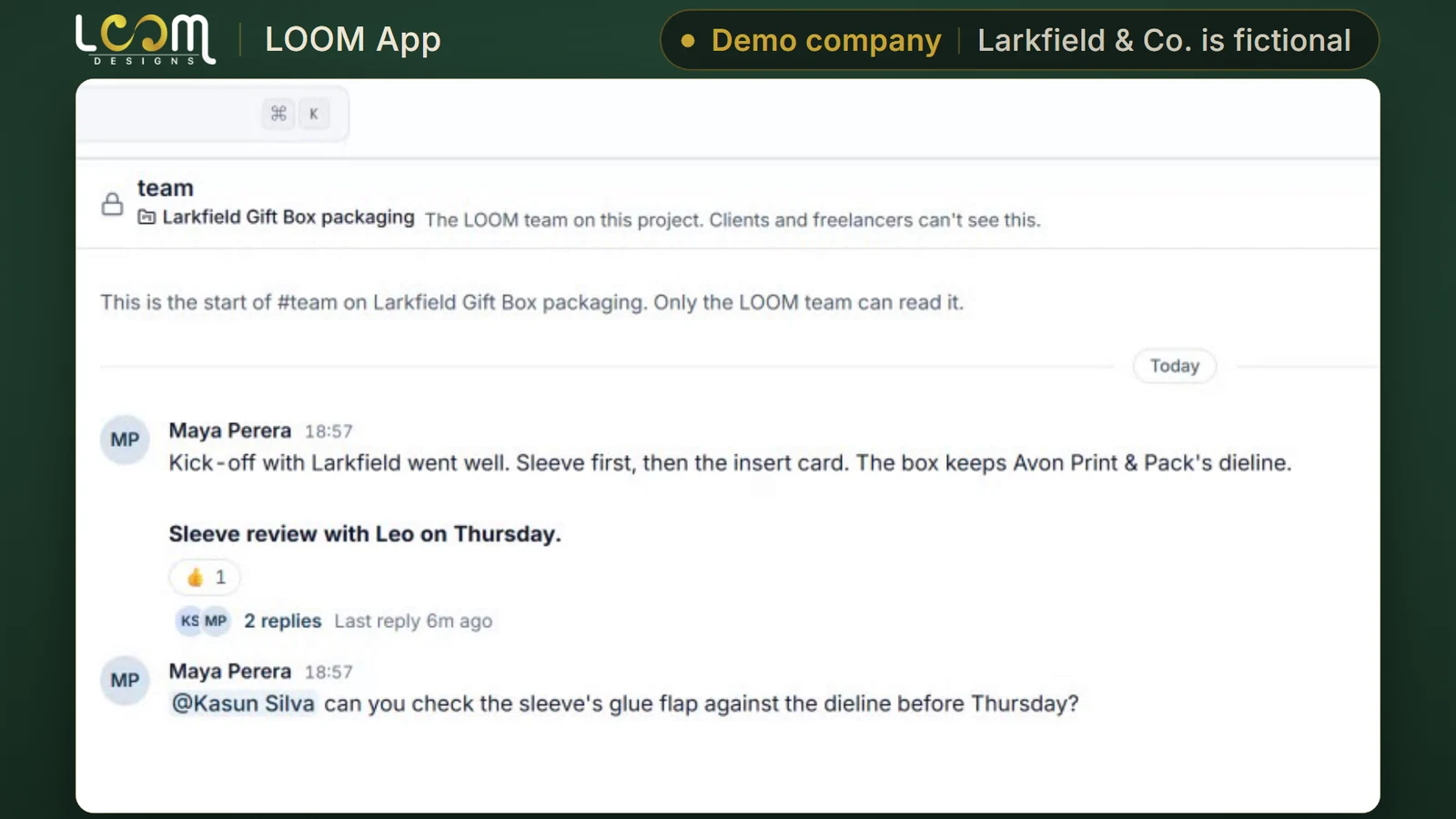
Each project has its own channels, with threads and @mentions, so every conversation stays with the work.
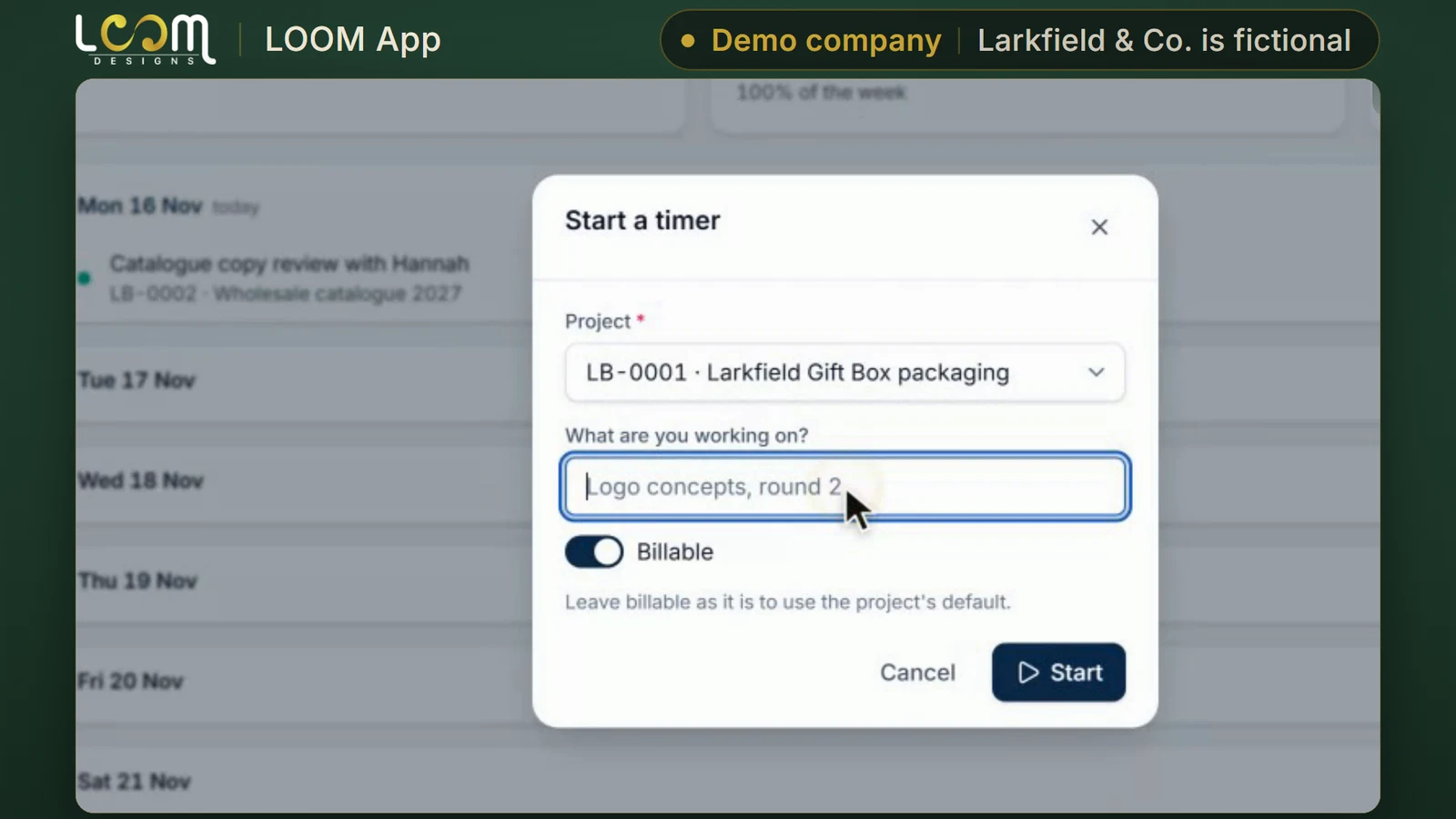
Start a timer on a project as you work. Timesheets come together for the week, and a manager approves each person's week.
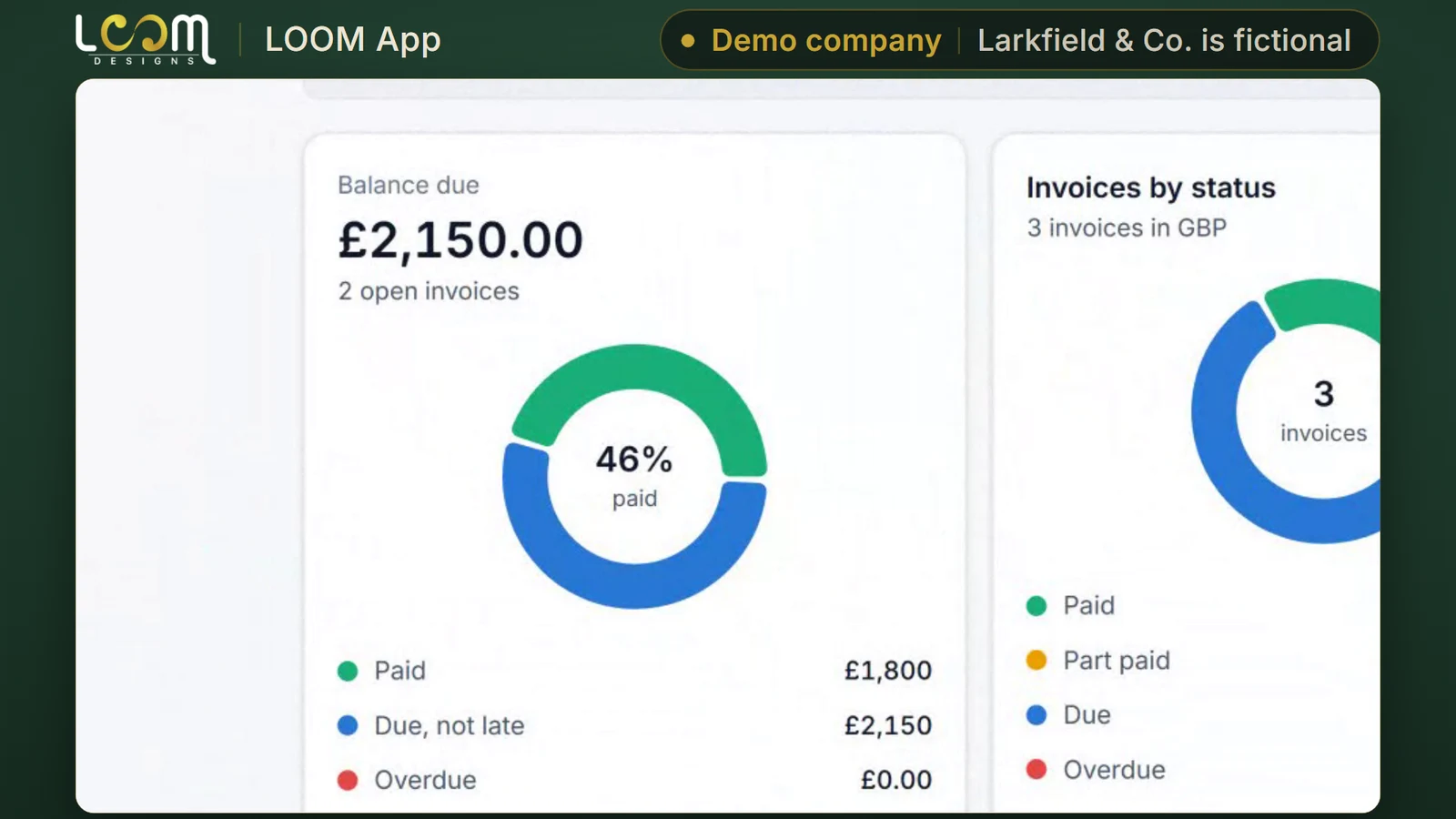
Your client sees what they owe in their billing, and can ask for a proposal on their next project from your services. The request opens as a project.
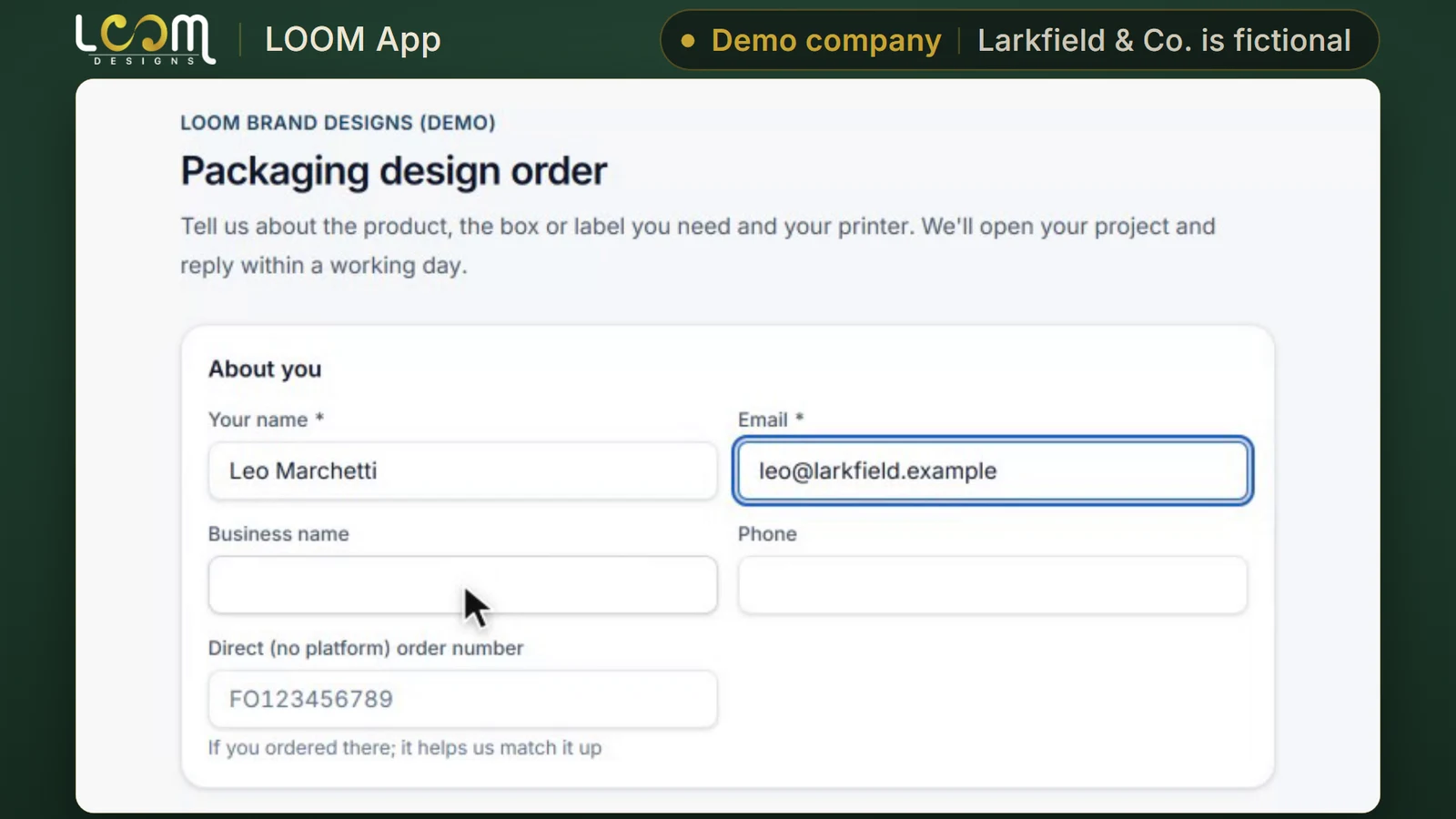
Share an order link. The client fills in the brief, sends it, and the project opens with its lead already assigned.
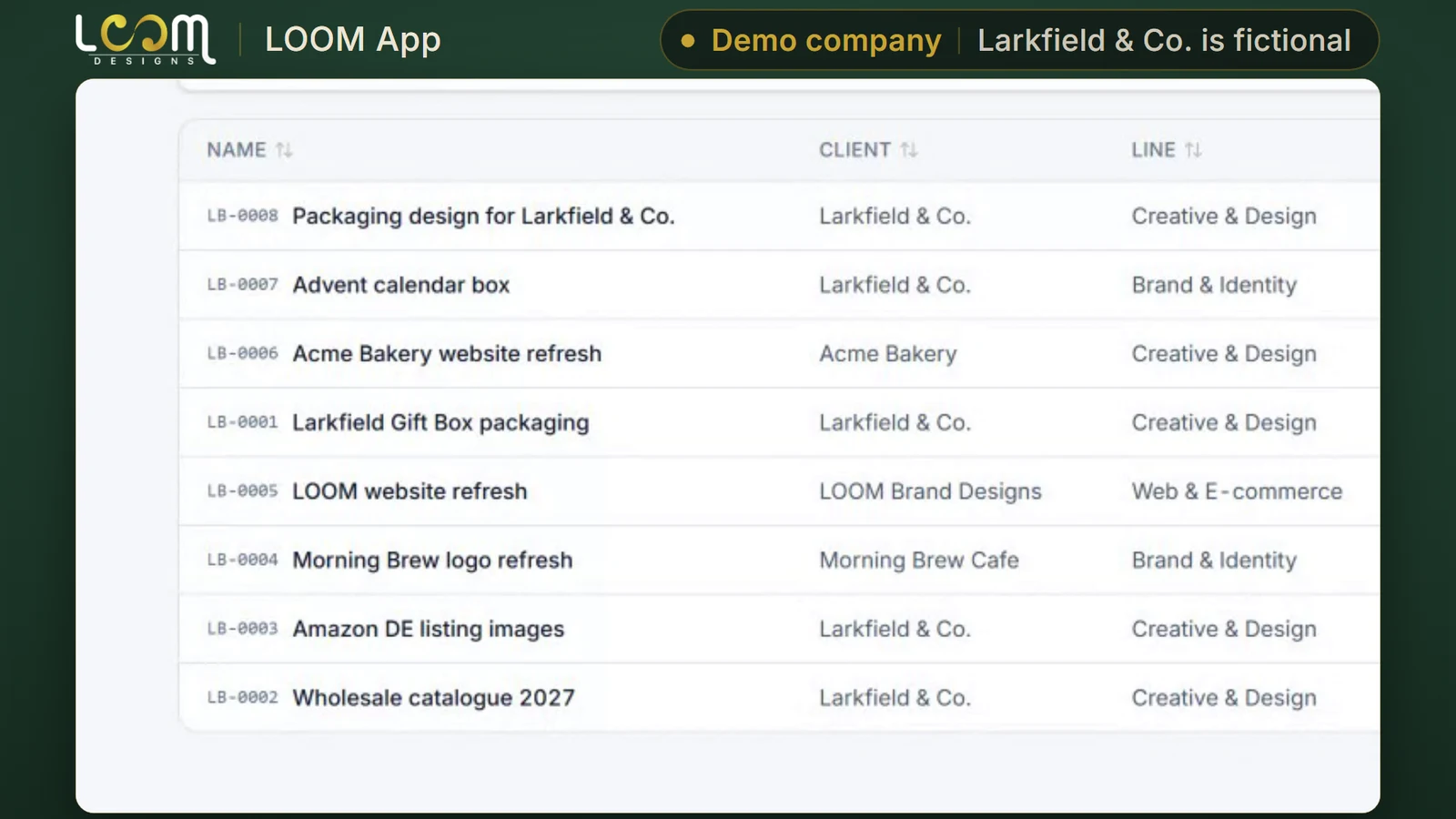
Projects lists every project in the workspace with its client, stage, lead, hours tracked and due date, new ones on top.
Good to know
Integrations
Live means you can use it today. Beta means it works but is not offered widely yet. Roadmap means it is planned.
Overwatch summaries
Reports its counts into Overwatch
Run by LOOM
How to get it
B
Any company.
An account on the version LOOM runs and keeps up to date.
C
Companies that need the tool shaped to how they work.
We build the extra development you need, then look after it on a monthly retainer.
Built for you
Wilson & Cole Developments
A project management tool for building jobs, from programme to handover.
Need something like it? A customized version starts from LOOM’s own base code.
Read the case studyTell us how your business runs. We will walk you through the tool and talk through which way in fits you.
Built and run by LOOM Brand Designs.