
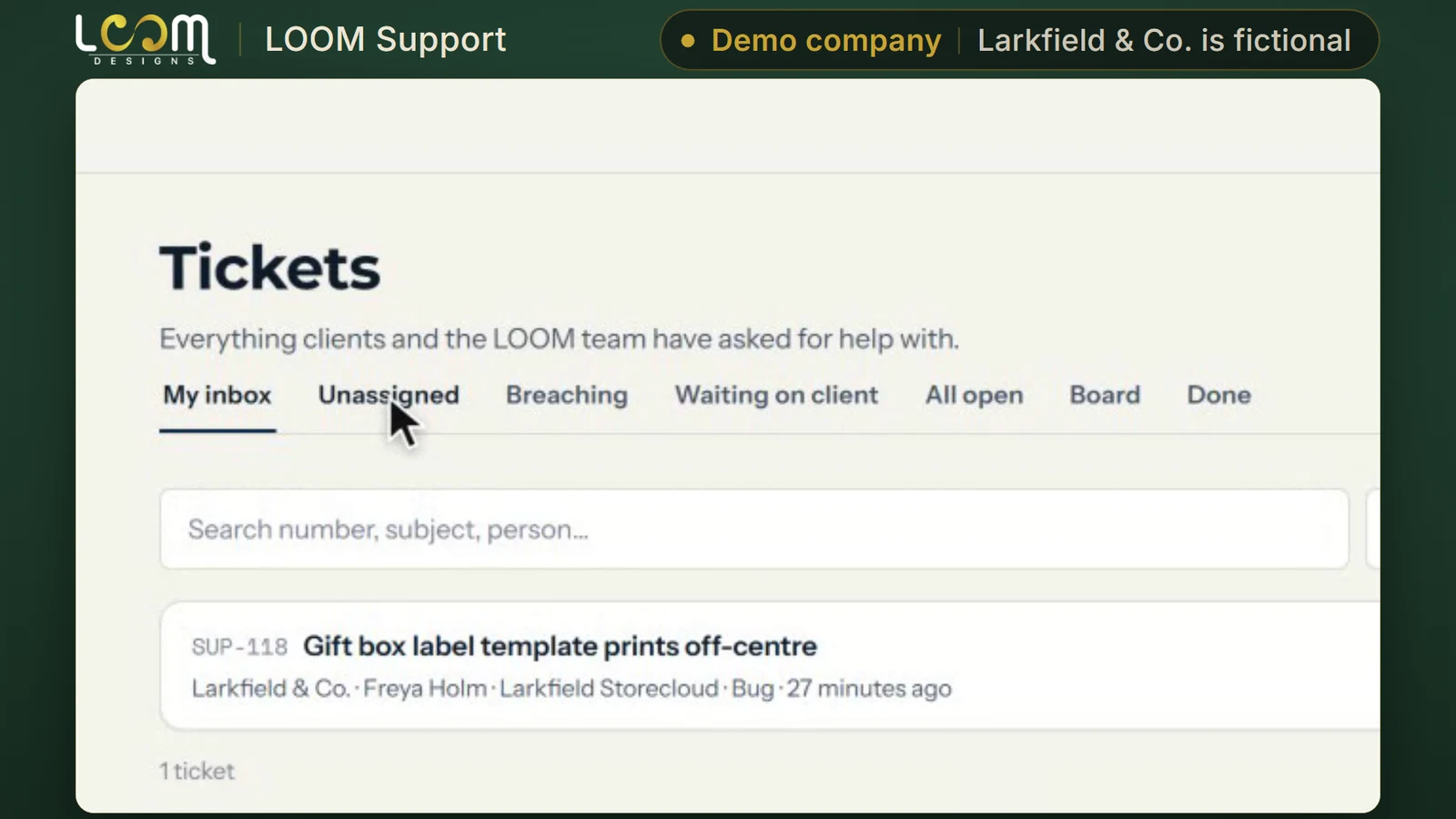
A clock on every ticket
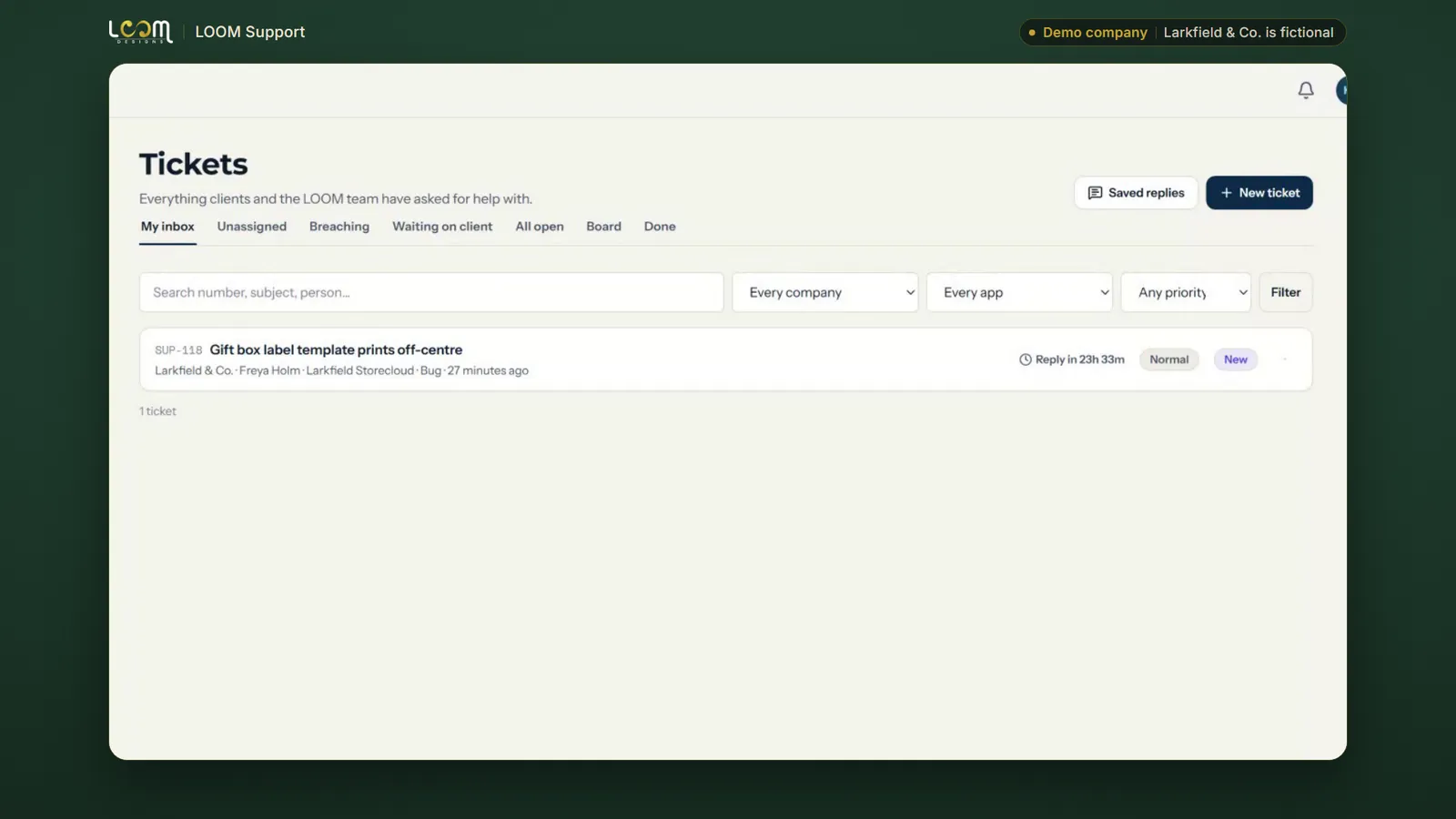
Every new ticket lands in the queue with its reply clock already running, until someone on your team takes it.
Platform / Run
Support that knows your software: every ticket timed, answered and checked against the app's own records.
The problem it solves
Too often a support ticket starts with questions back: which page, which version, which browser? Then nobody can say how long the client waited, or whether they were happy with the answer.
LOOM Support gives every ticket its context, a response target and a rating from the client.
Filmed on Larkfield & Co., a made-up company we use for demos. The people and figures in it are not real.
What it does
Every new ticket lands in the queue with its reply clock already running, until someone on your team takes it.
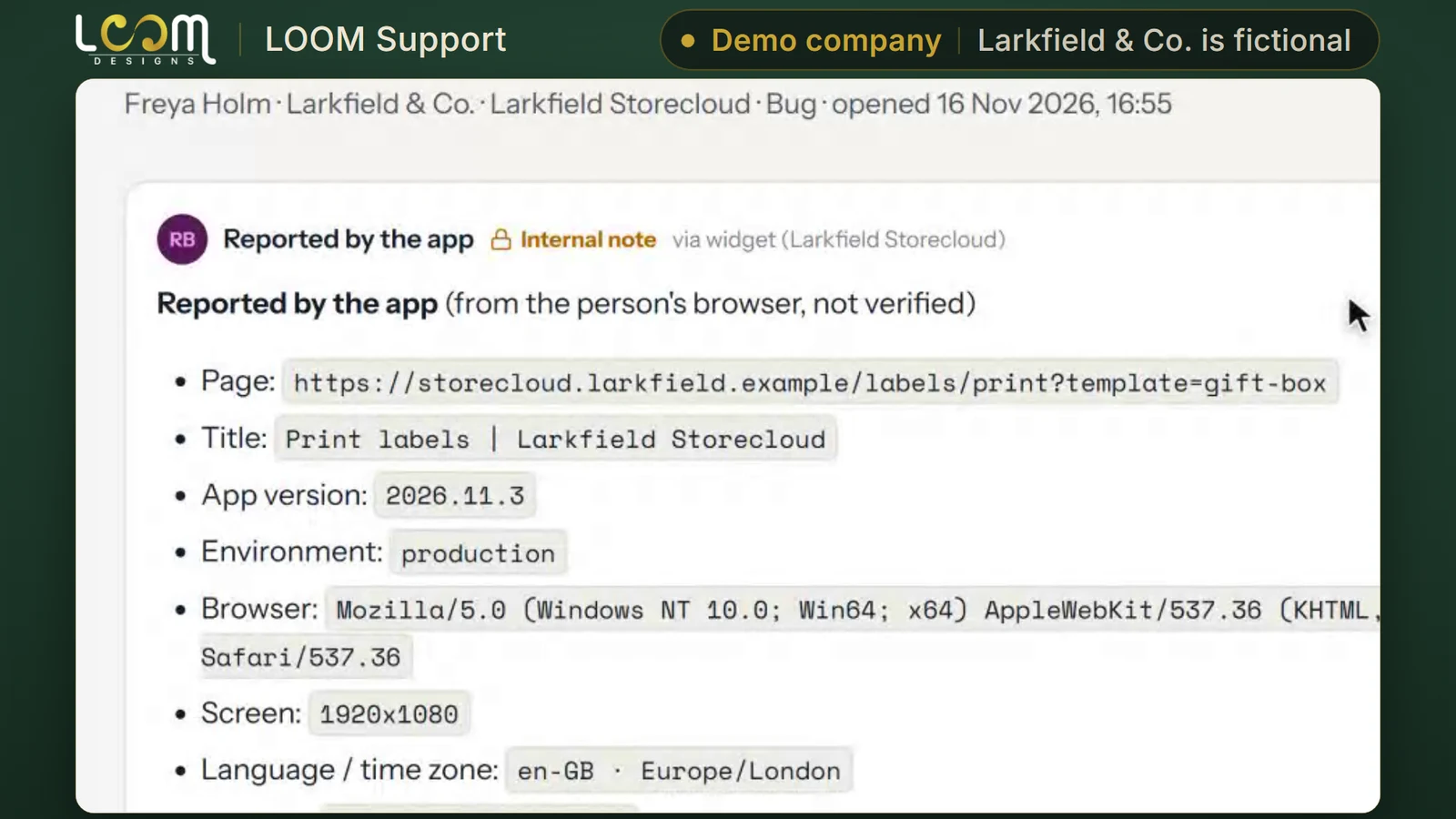
Each ticket arrives with the page, the app version, the browser, the screen size and the time zone it came from, so nobody has to ask.
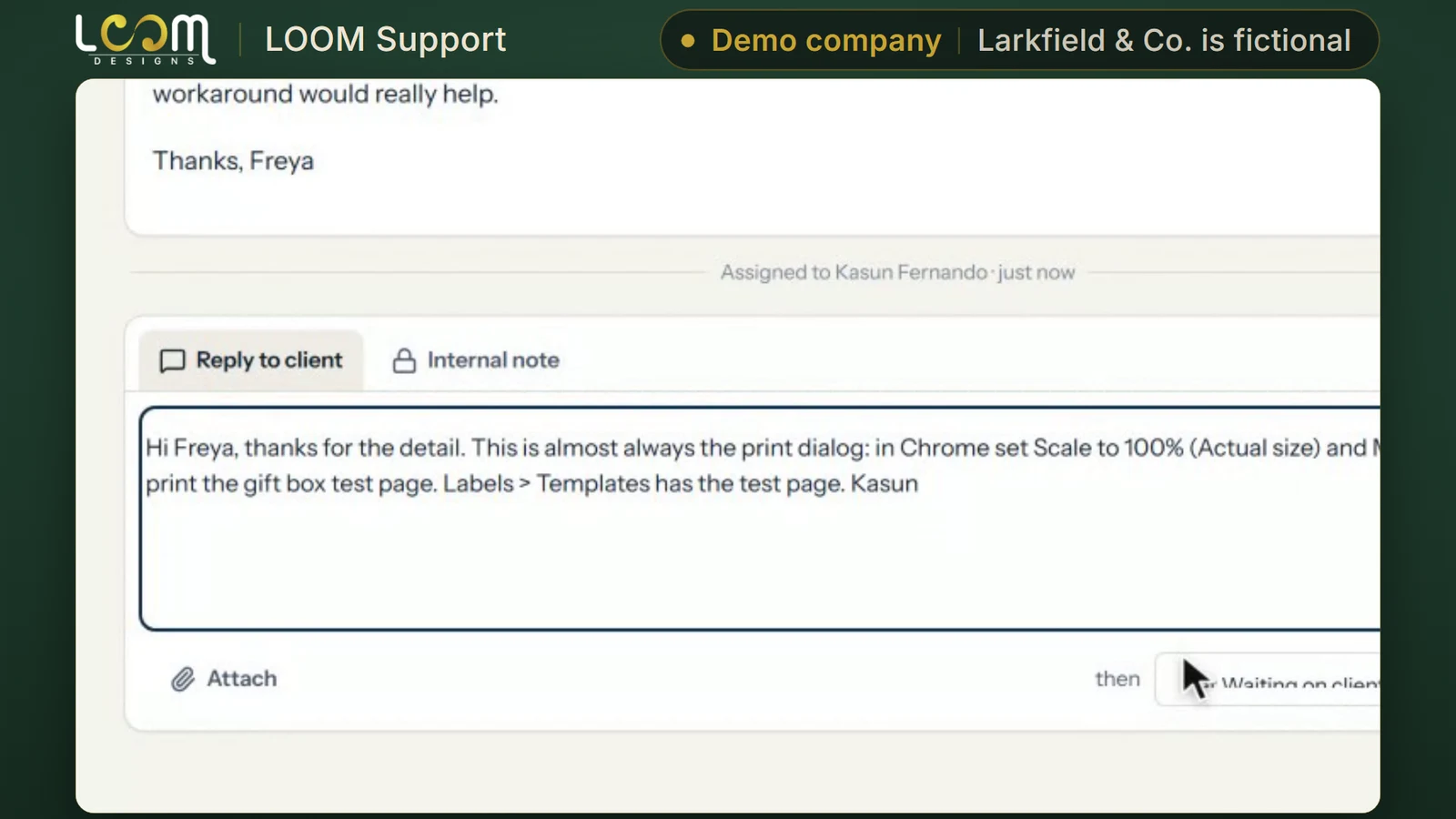
Your team replies in the same thread and picks the status the ticket moves to when the reply goes out.
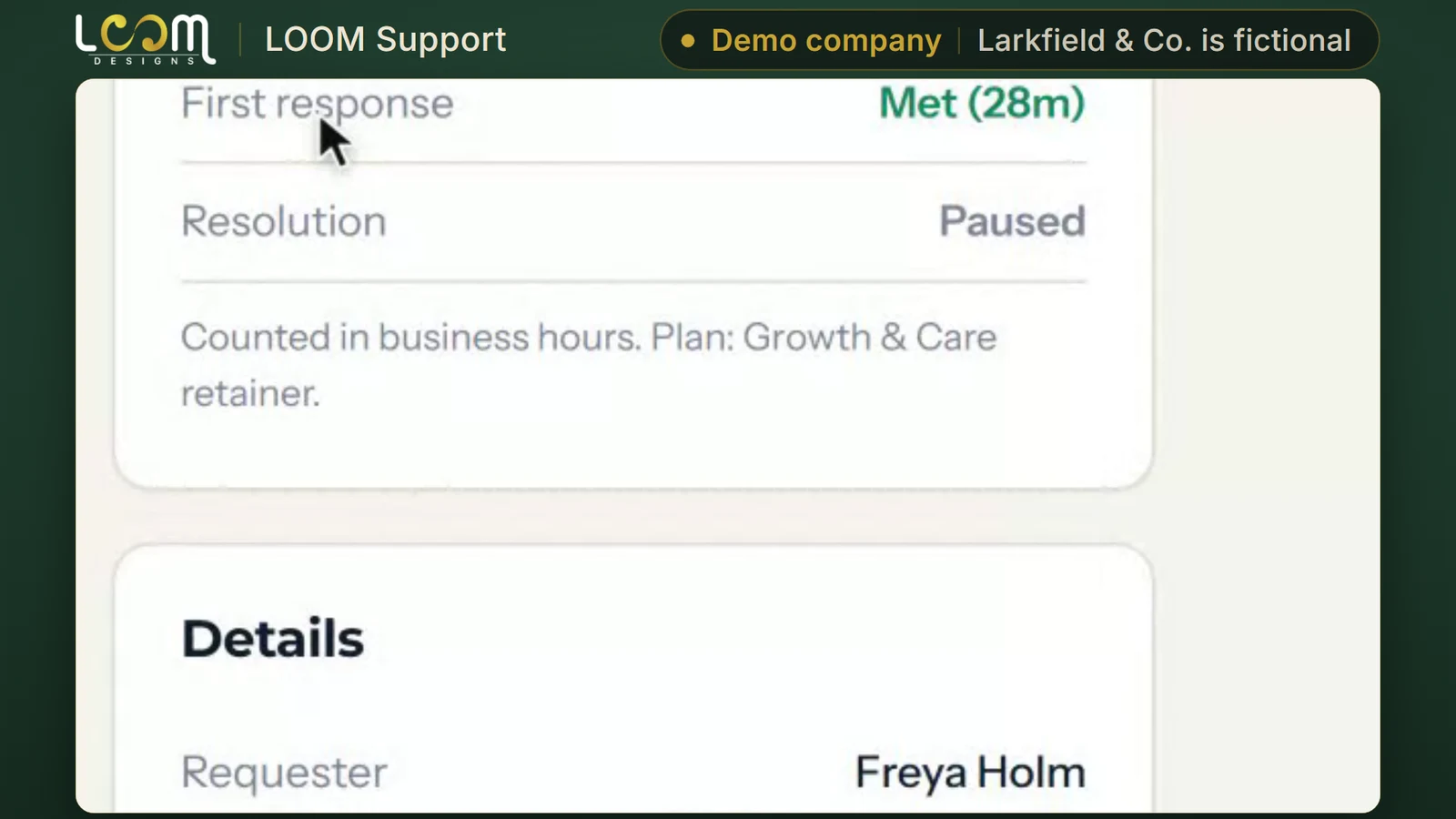
Every ticket has a first response target and a resolution target, counted in business hours on the client's plan.
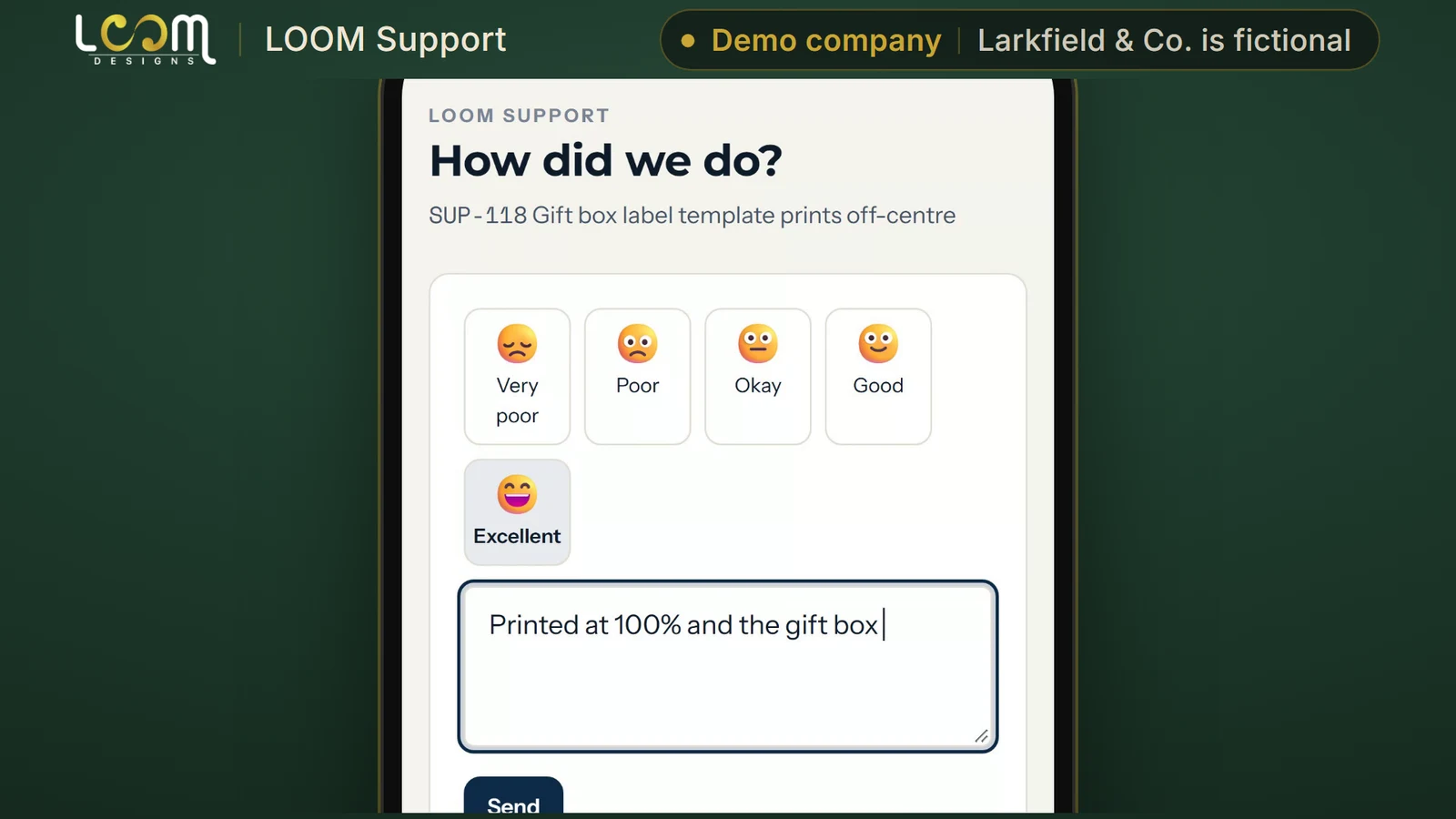
When a ticket is resolved, the client gets a link to rate the help and add a comment, with no sign-in.
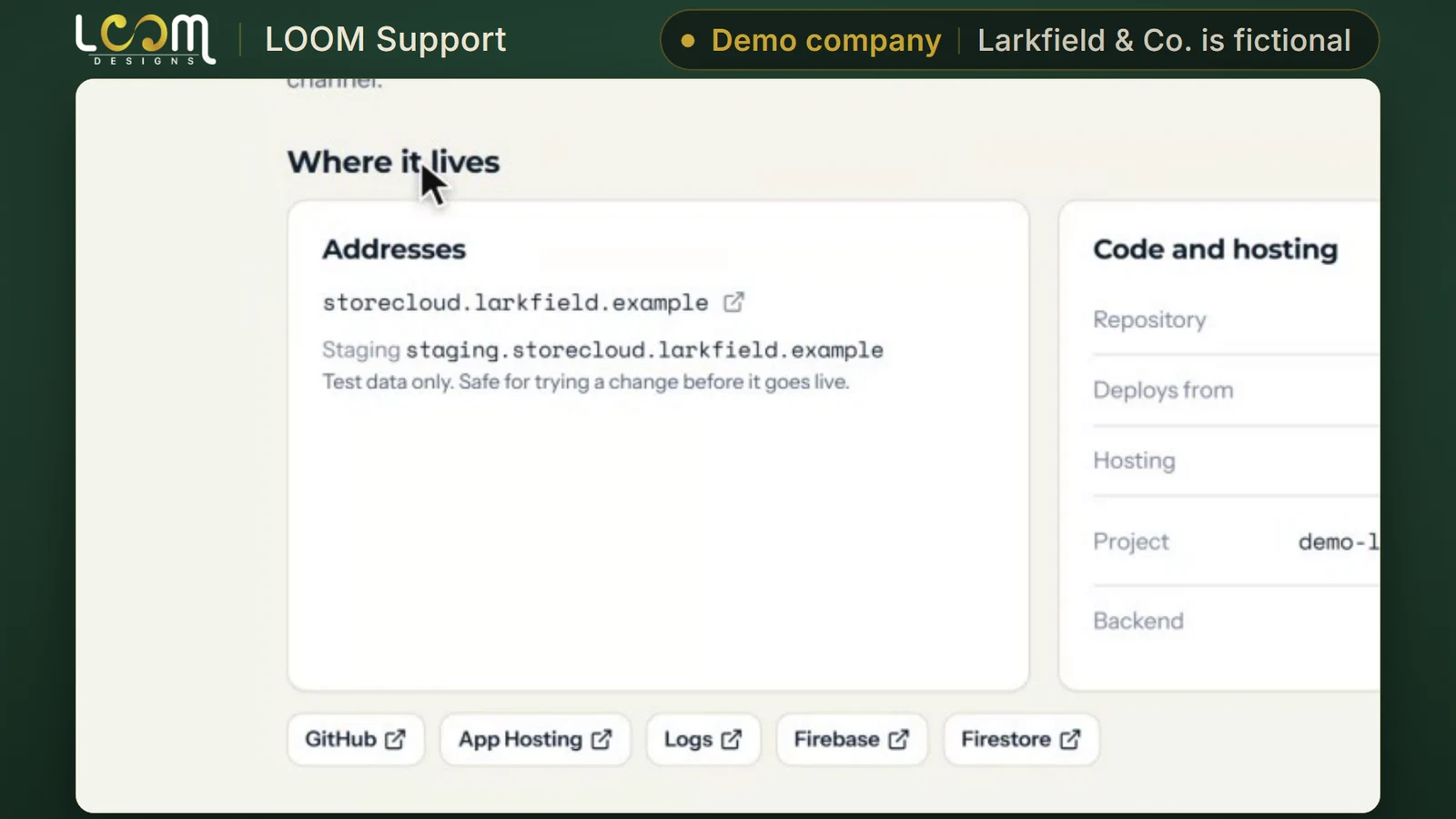
Every app you support has its own record: where it lives, code and hosting, knowledge, known issues from the runbook, and the team behind it.
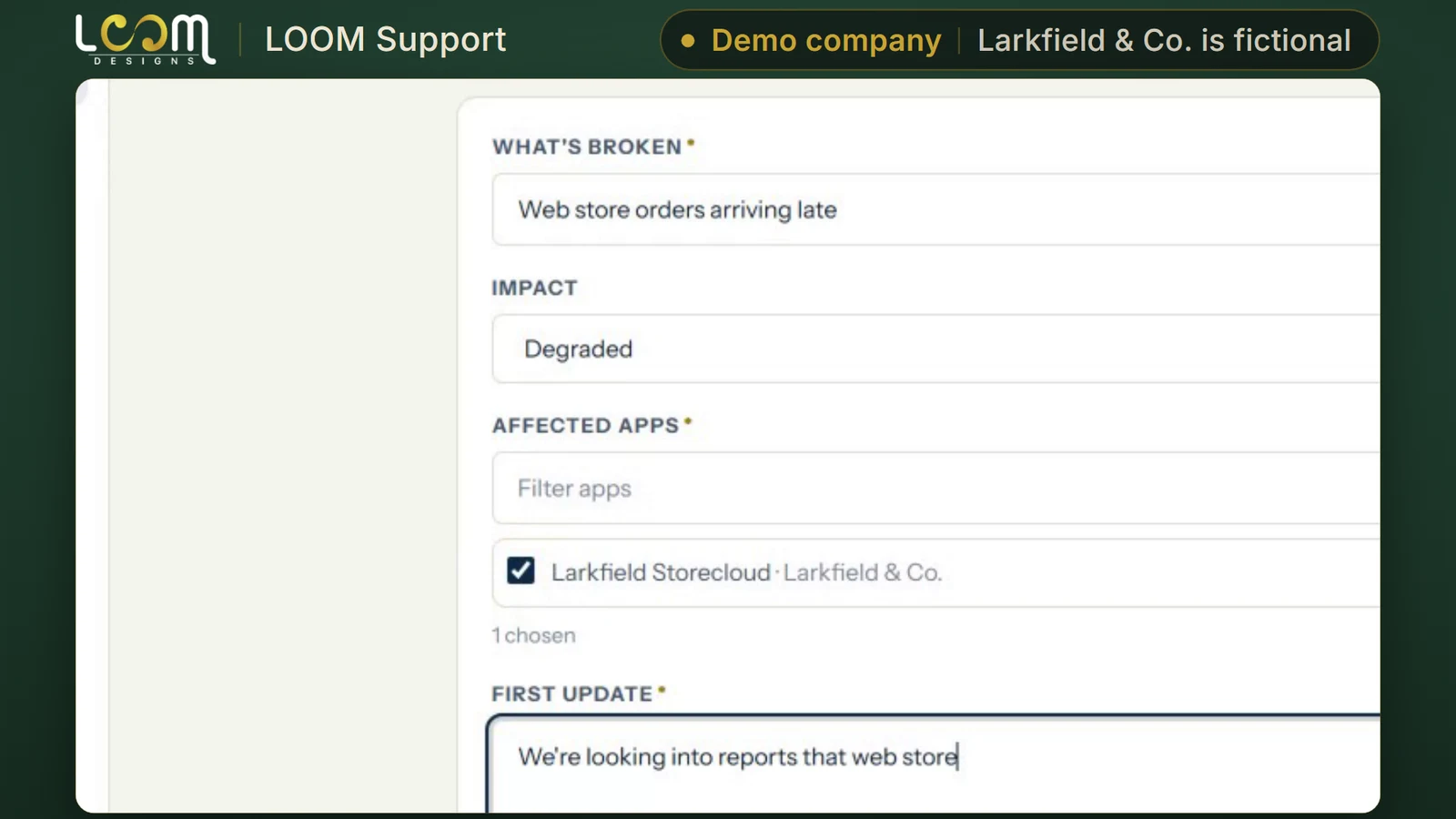
Declare an incident, set its impact and the app it affects, and post a first update to a public status page your customers can check.
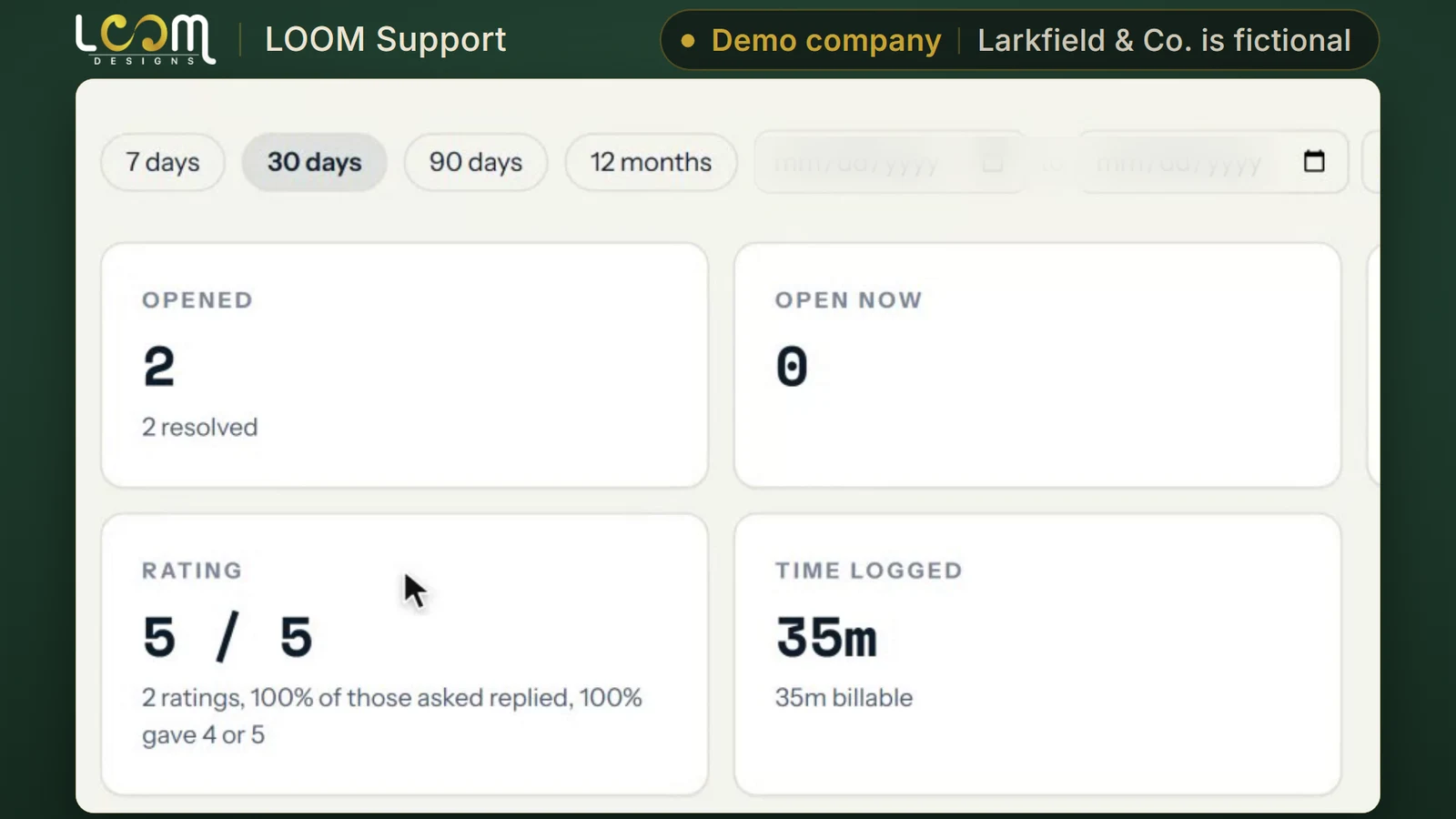
Reports show first reply and resolution times, the share of tickets on target and client ratings, by company, with what clients said.
Good to know
Integrations
Live means you can use it today. Beta means it works but is not offered widely yet. Roadmap means it is planned.
Overwatch summaries
Reports its counts into Overwatch
Run by LOOM
How to get it
B
Any company.
An account on the version LOOM runs and keeps up to date.
C
Companies that need the tool shaped to how they work.
We build the extra development you need, then look after it on a monthly retainer.
Tell us how your business runs. We will walk you through the tool and talk through which way in fits you.
Built and run by LOOM Brand Designs.