
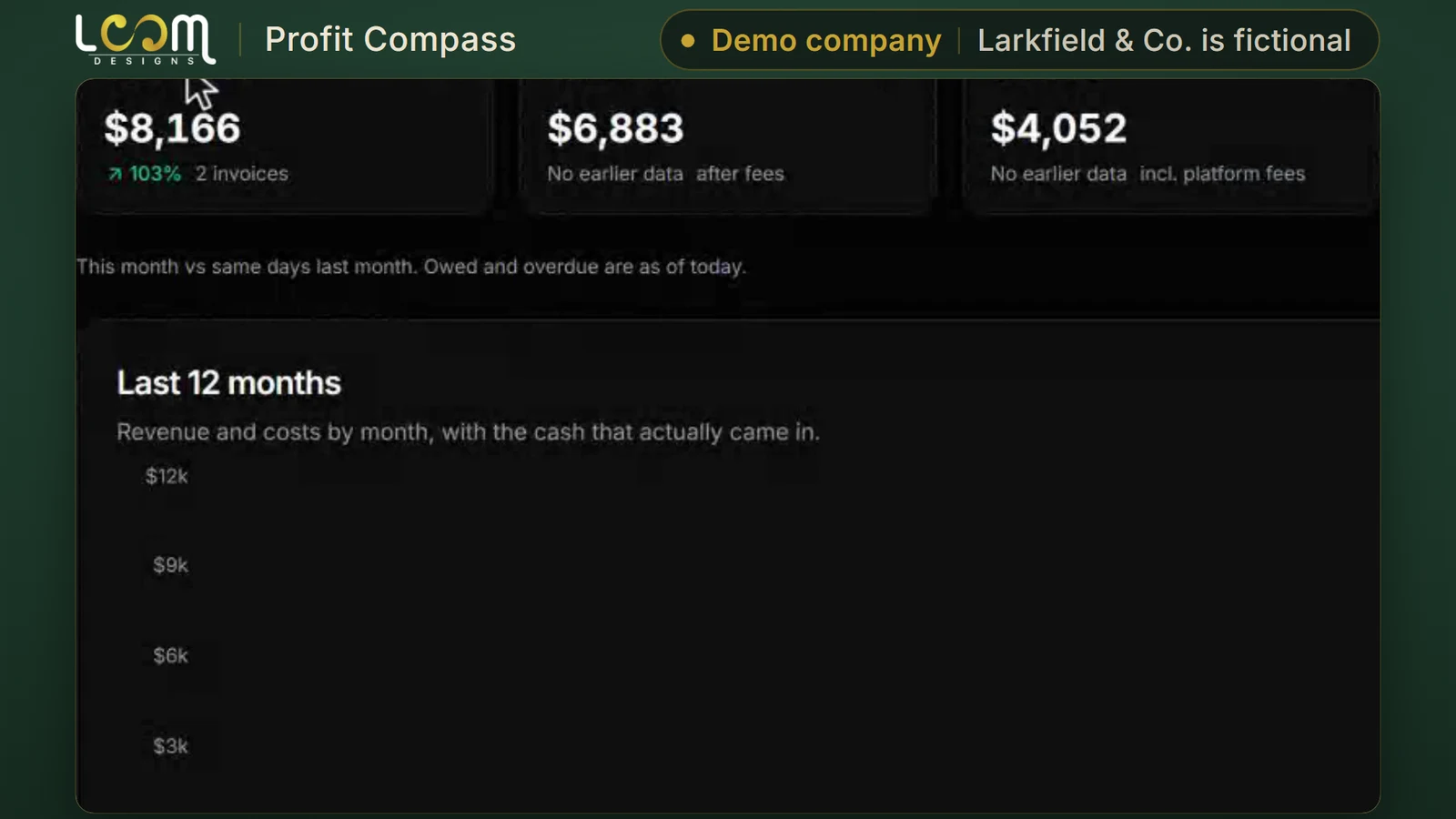
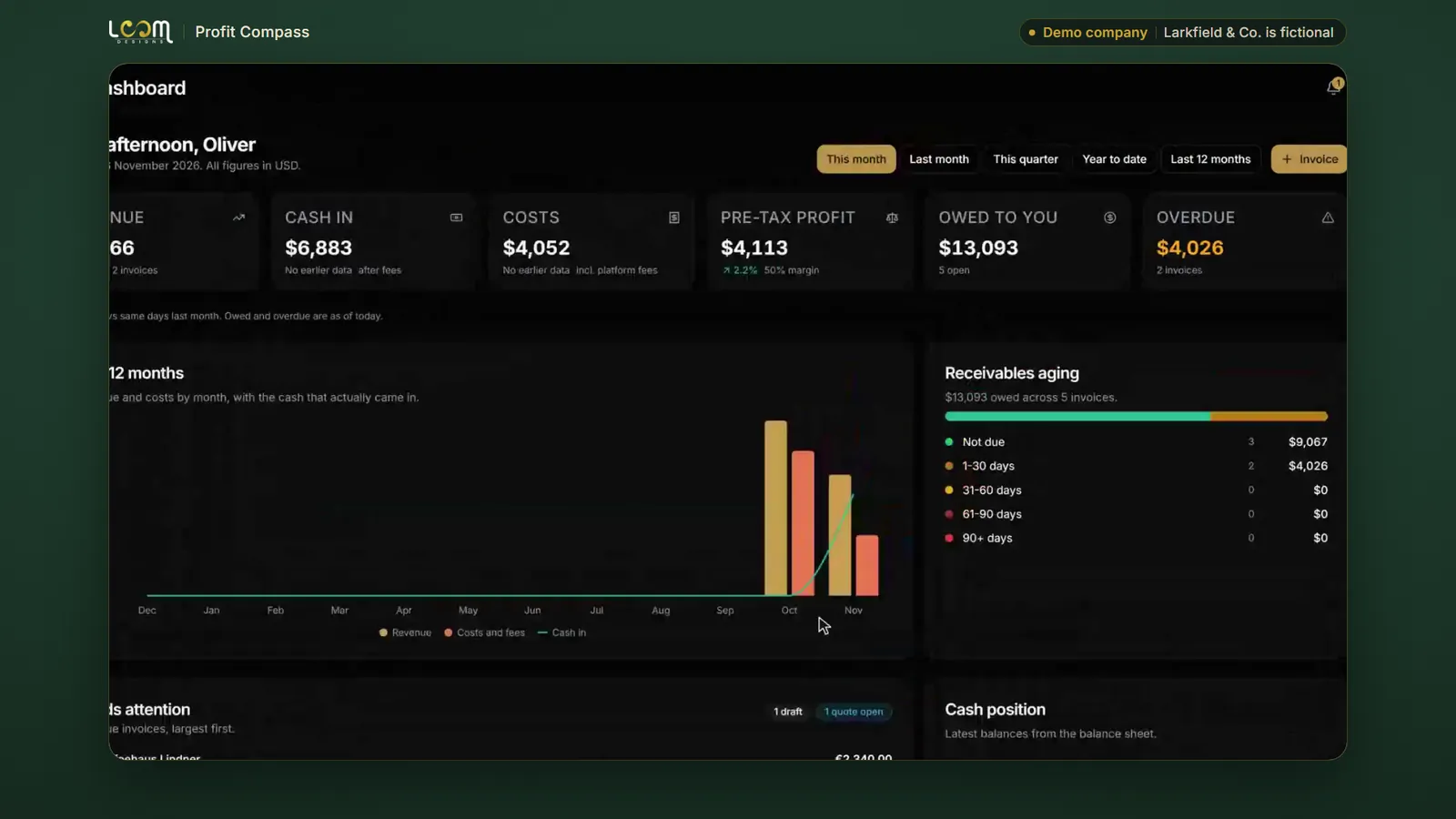
The money at a glance
Revenue, cash in, costs, pre-tax profit, what you are owed and what is overdue, on one screen for the month.
Platform / Run
Invoices, payments, costs and profit in every currency you trade in, with reports ready to sign.
The problem it solves
When you invoice in pounds, euros and dollars, overdue invoices and regular costs are easy to lose track of. Month-end reports mean pulling numbers together by hand.
Profit Compass keeps quotes, invoices, payments and costs in one place, flags what is overdue, and gets your monthly reports ready to review and sign.
Filmed on Larkfield & Co., a made-up company we use for demos. The people and figures in it are not real.
What it does
Revenue, cash in, costs, pre-tax profit, what you are owed and what is overdue, on one screen for the month.
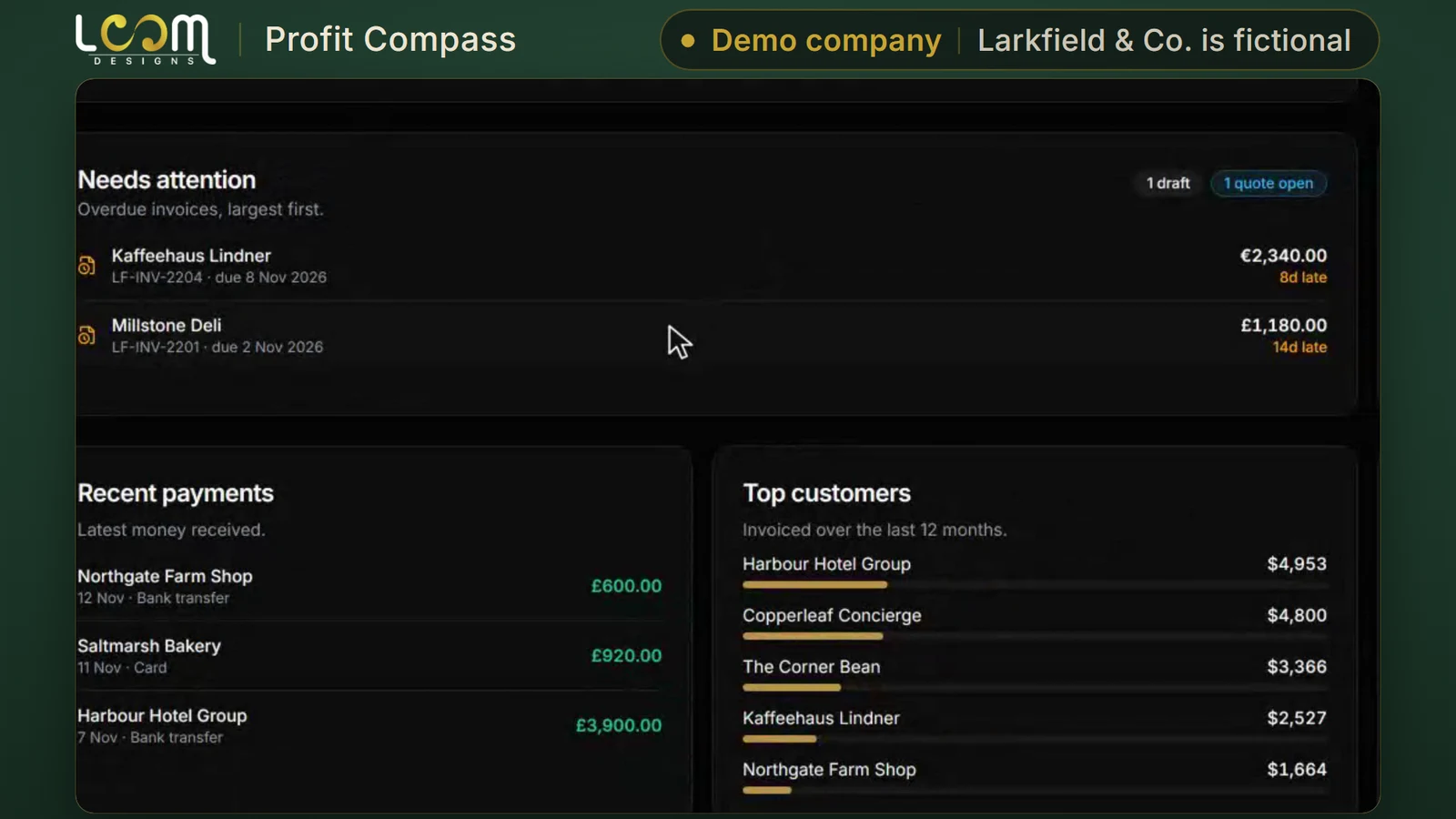
Overdue invoices are flagged as soon as they are late, each in the currency it was sent in, with how many days it is overdue.
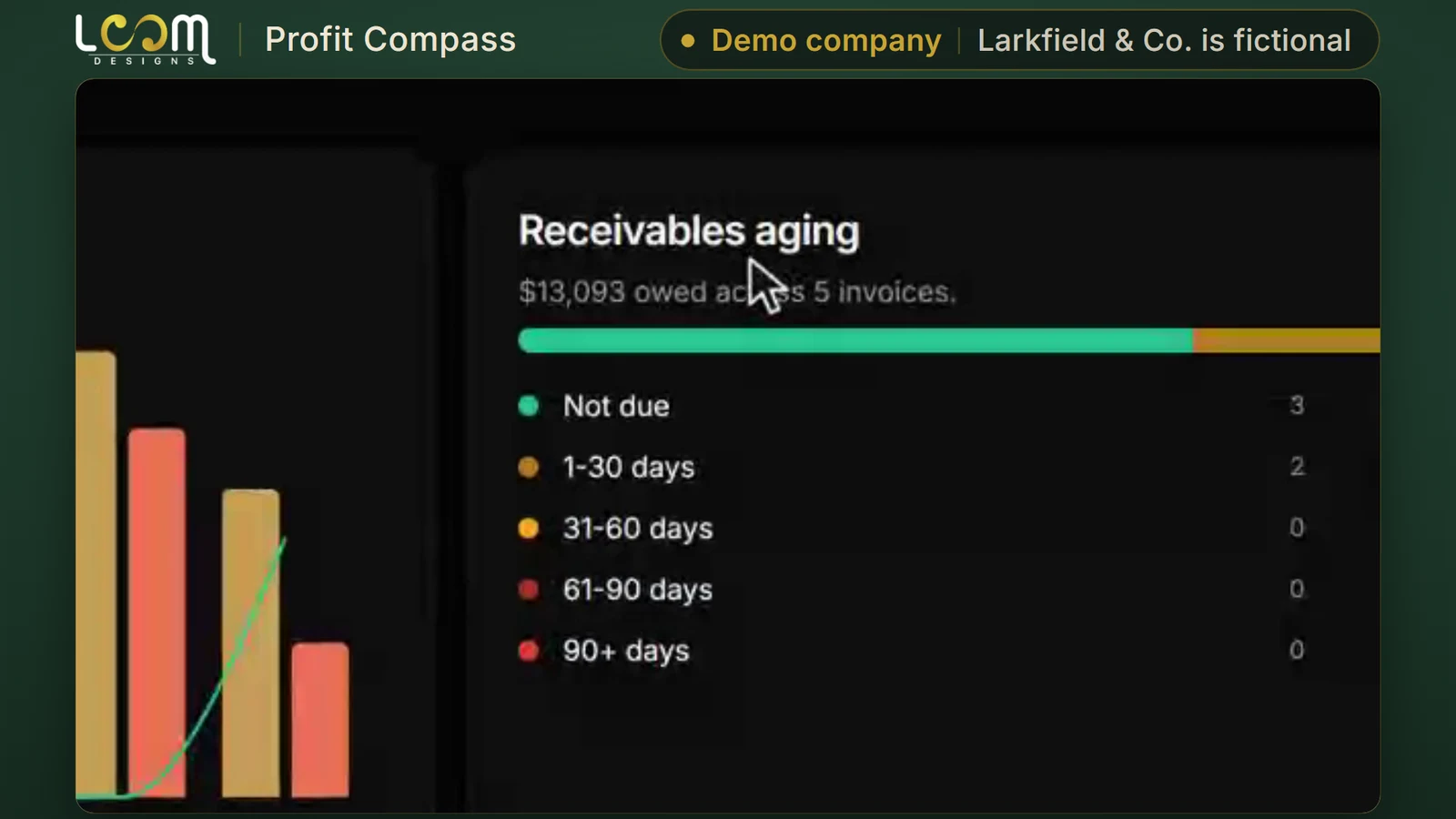
See what is owed and for how long: not due yet, 1 to 30 days, 31 to 60, 61 to 90, and over 90.
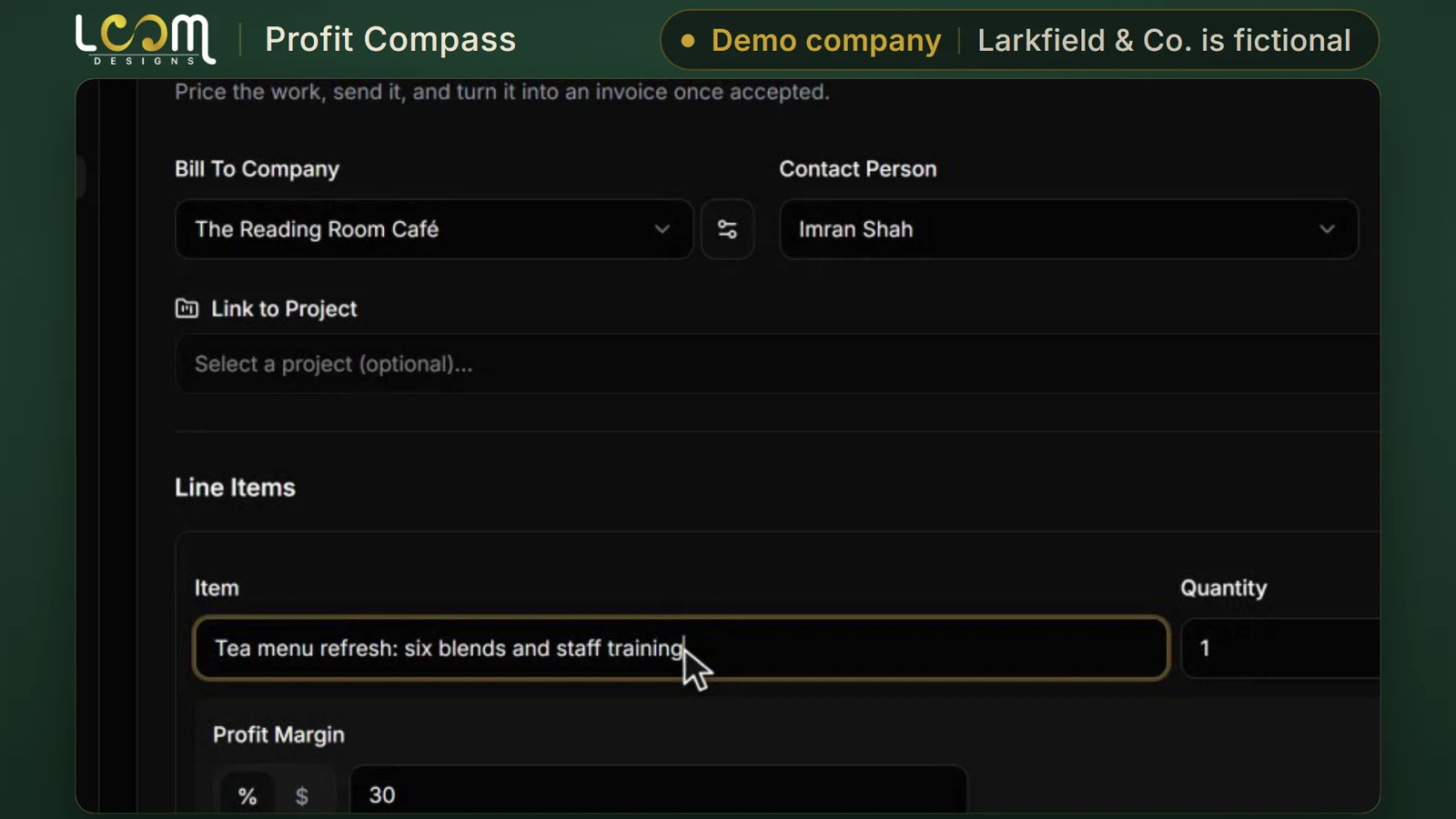
Build a fixed-price quote with your cost and margin on each line, then convert it to a draft invoice when you win the work. One record, start to finish.
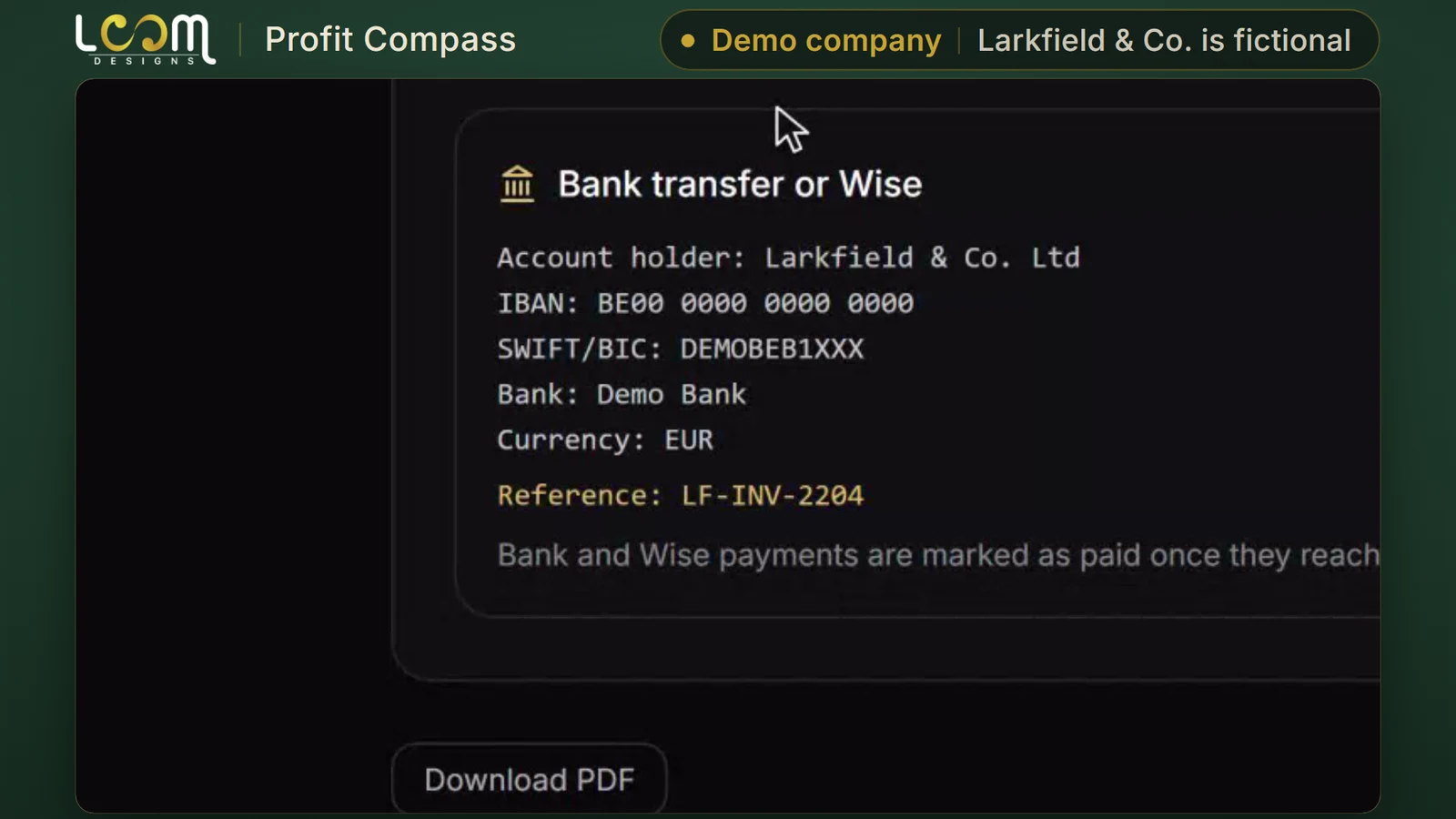
Each invoice has its own page for your customer, with the bank transfer or Wise details, the payment reference and a PDF to download.
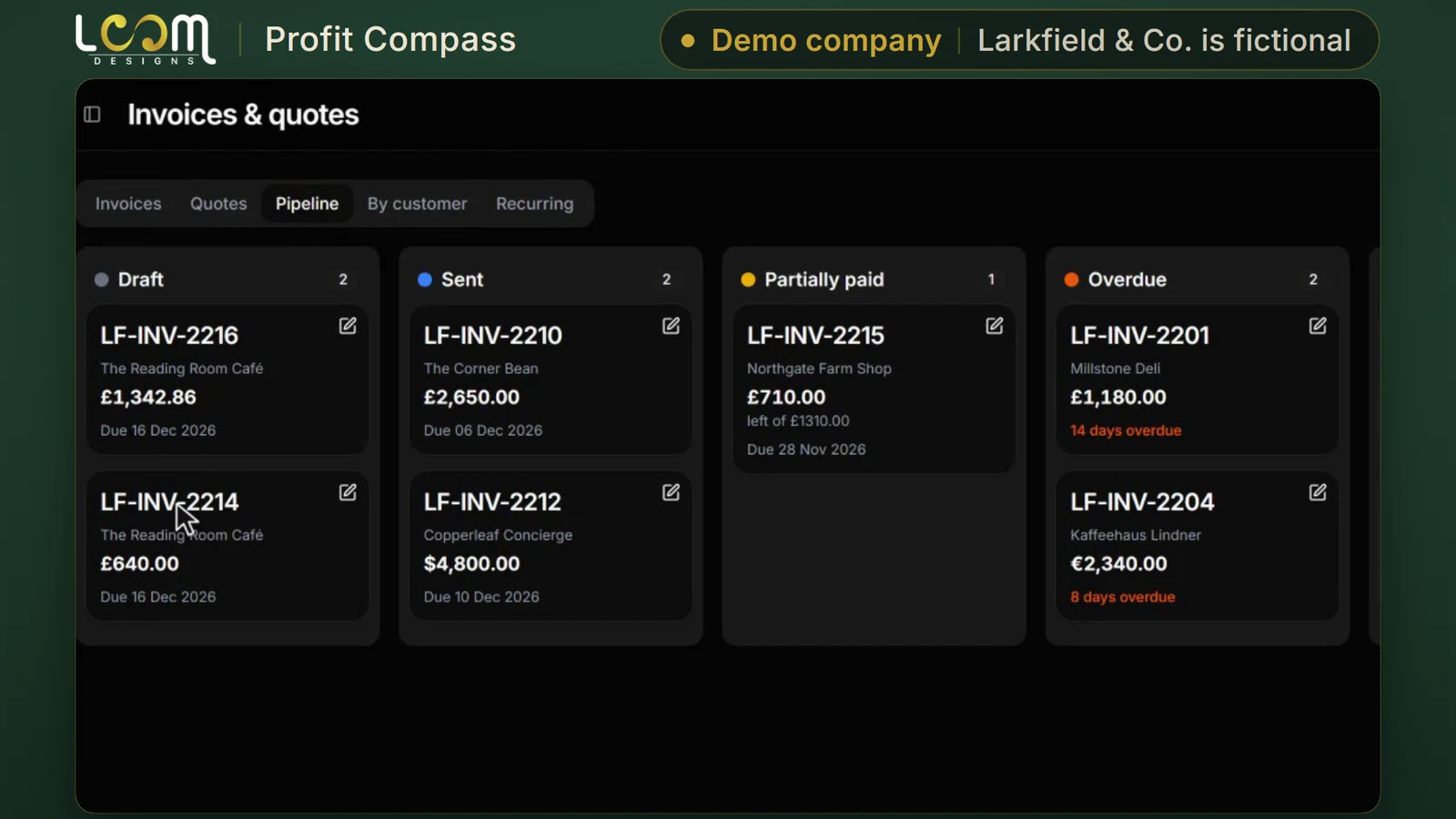
Follow each invoice from draft to sent, partly paid, overdue and paid, in pounds, euros and dollars on the same board.
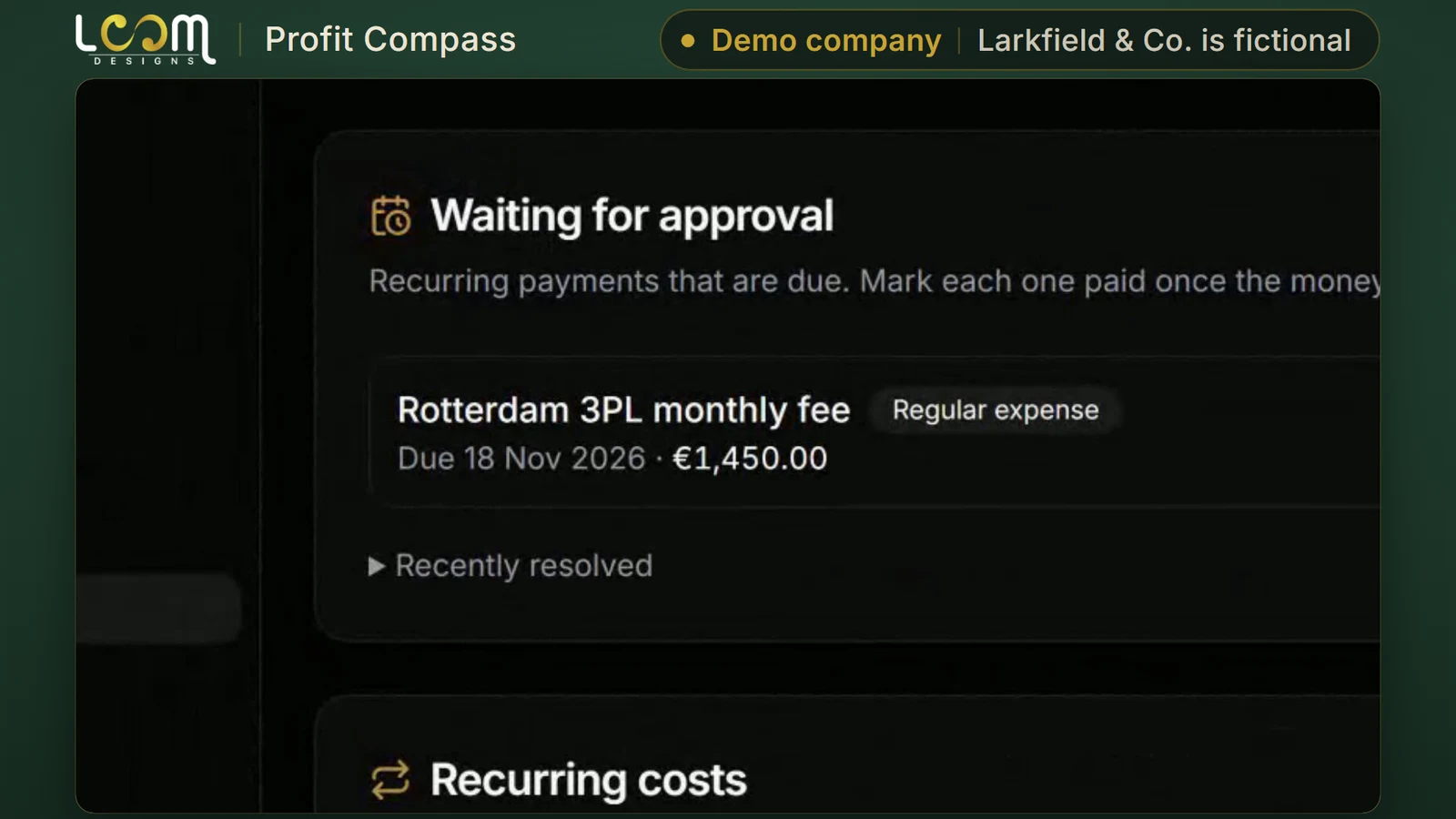
Regular costs, such as a monthly warehouse fee, wait for approval. Check the date and amount, mark it paid, and only then does it go into the books.
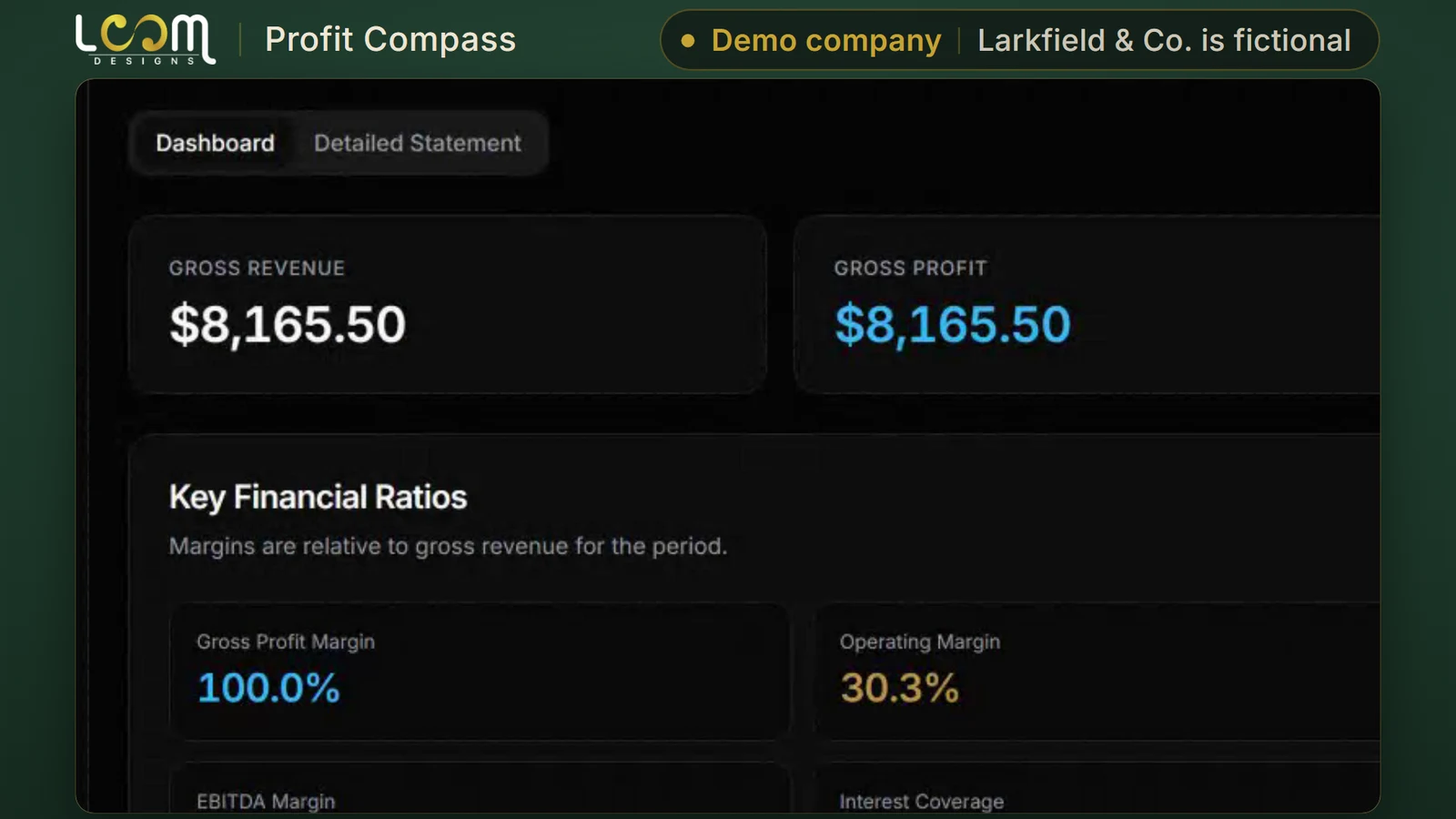
Export profit and loss as a PDF in a click. Each month, generate the report, review it and sign it off, with the history kept.
Good to know
Run by LOOM
How to get it
B
Any company.
An account on the version LOOM runs and keeps up to date.
C
Companies that need the tool shaped to how they work.
We build the extra development you need, then look after it on a monthly retainer.
Built for you
Mark & Medal
Two tools customized from LOOM's base code: one for orders and production, one for finance.
Built from Storecloud and Profit Compass.
Need something like it? A customized version starts from LOOM’s own base code.
Read the case studyTell us how your business runs. We will walk you through the tool and talk through which way in fits you.
Built and run by LOOM Brand Designs.